Getting Started
33
Related Topic
Changing the Input Method
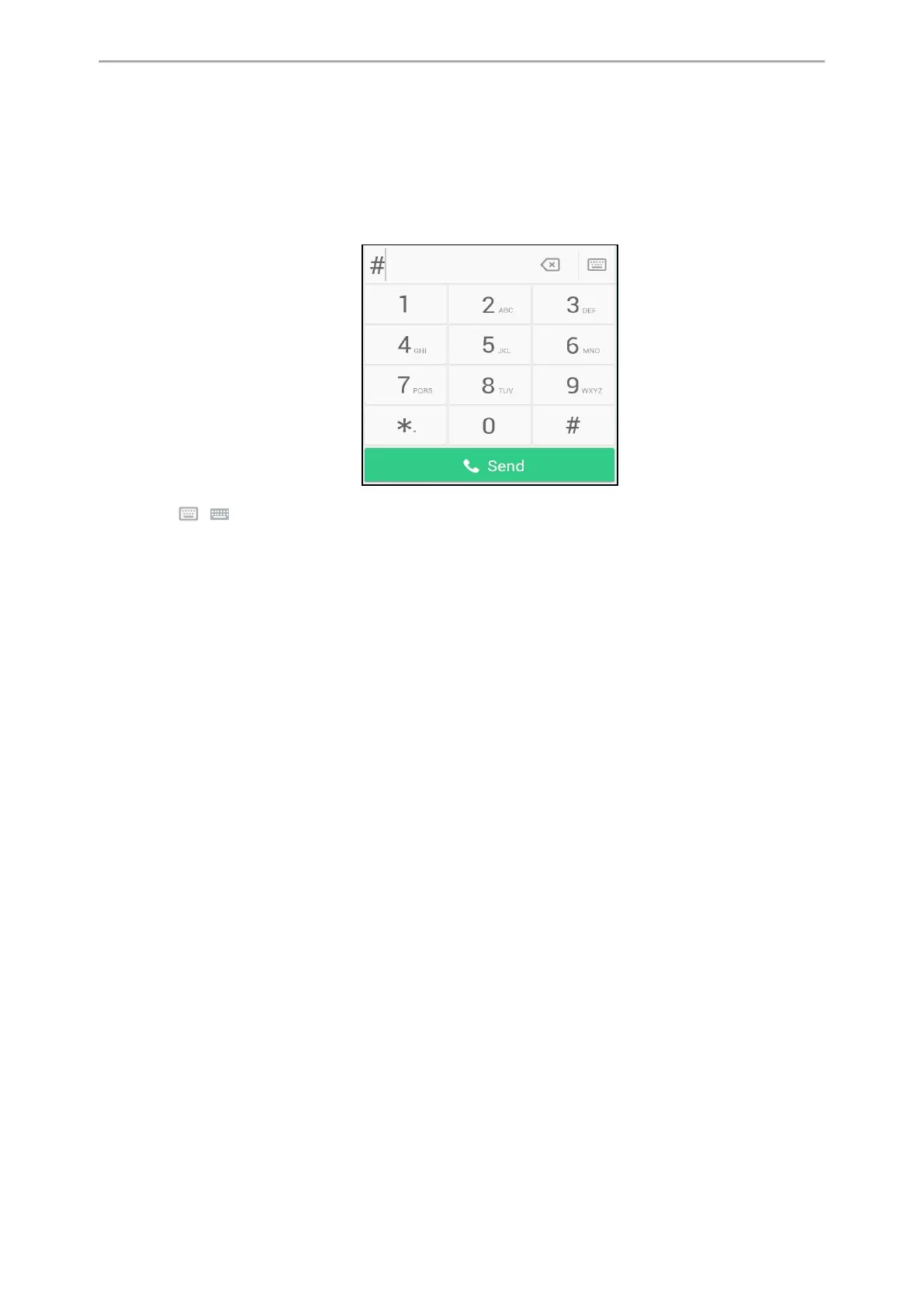
Using the Phone Keypad and Dial Pad
You can use the keypad on your phone or dial pad to enter data. The dial pad only provides digit keys, # key, and *
key.
You can tap ( ) to switch to the onscreen keyboard.
Related Topic
Using the Onscreen Keyboard



 To Next Page