System Applications
122
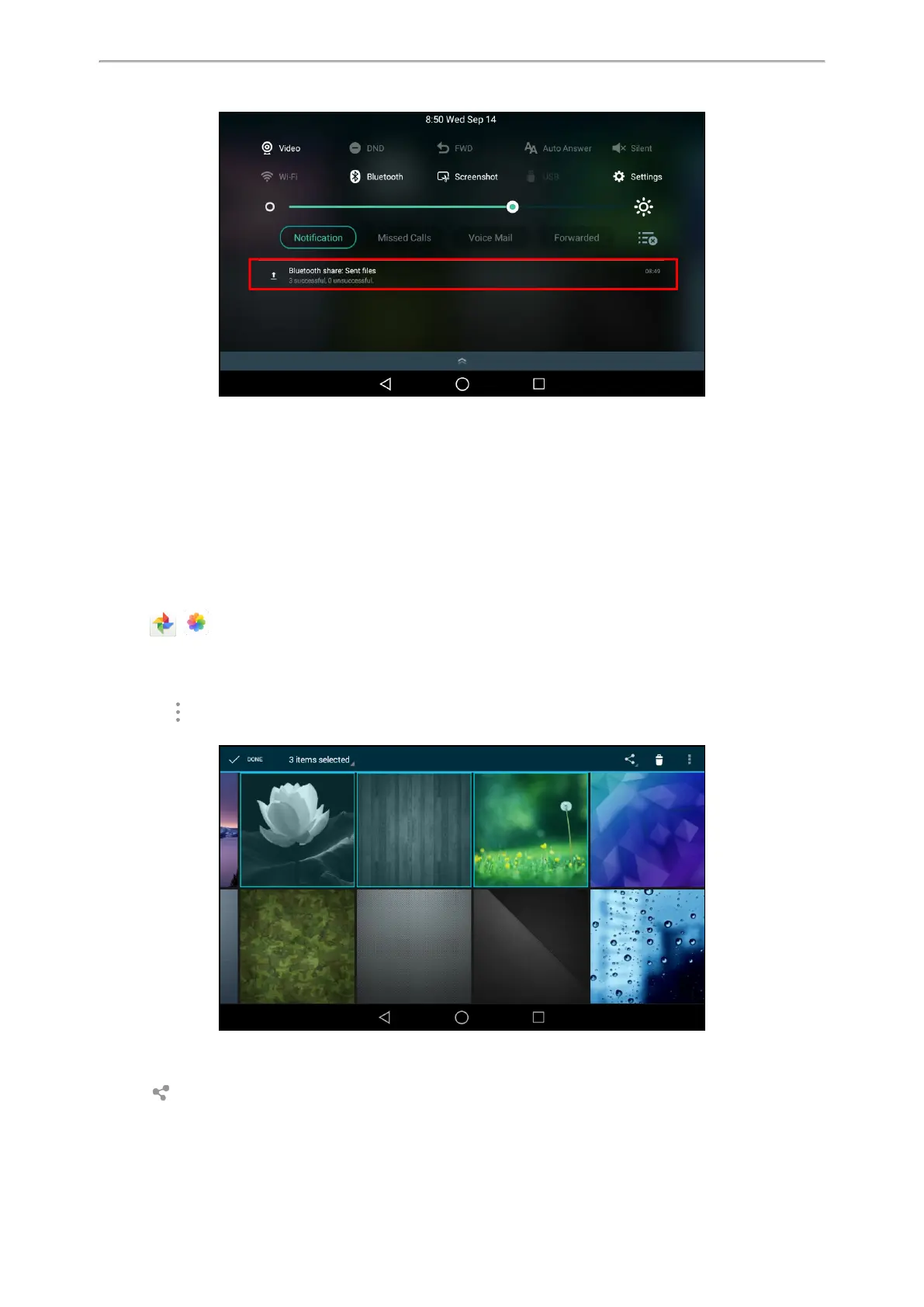
You can tap the notification to view the detail information about the shared files.
Sharing Pictures/Videos via Email
You can share the pictures/videos in the Gallery via Email.
Before You Begin
Make sure you have signed in an email account.
Procedure
1.
Swipe left or right to go to the second idle screen.
2.
Tap ( ) to launch the Gallery.
3.
Tap the desired album.
4.
Do one of the following:
l Long tap one of the pictures/videos.
l
Tap and then tap Select item.
Select the pictures/videos you want to share.
You can also tap n items selected (n represents the number of pictures/videos you selected) and then tap
Select all to select all pictures/videos.
5.
Tap and then select Email.
6.
Compose the email.



 To Next Page