139
1.
Tap the digital clock widget on the home screen.
2.
Tap .
3.
Enter the time by tapping the digits on the right of the screen.
You can tap to delete the entered numbers.
4.
Tap .
When the timer is running, you can do the following:
l
Tap to add an additional minute.
l
Tap to pause the timer.
l
Tap to delete the current timer.
The timer beeps when the time is up. It keeps beeping until you tap to stop.
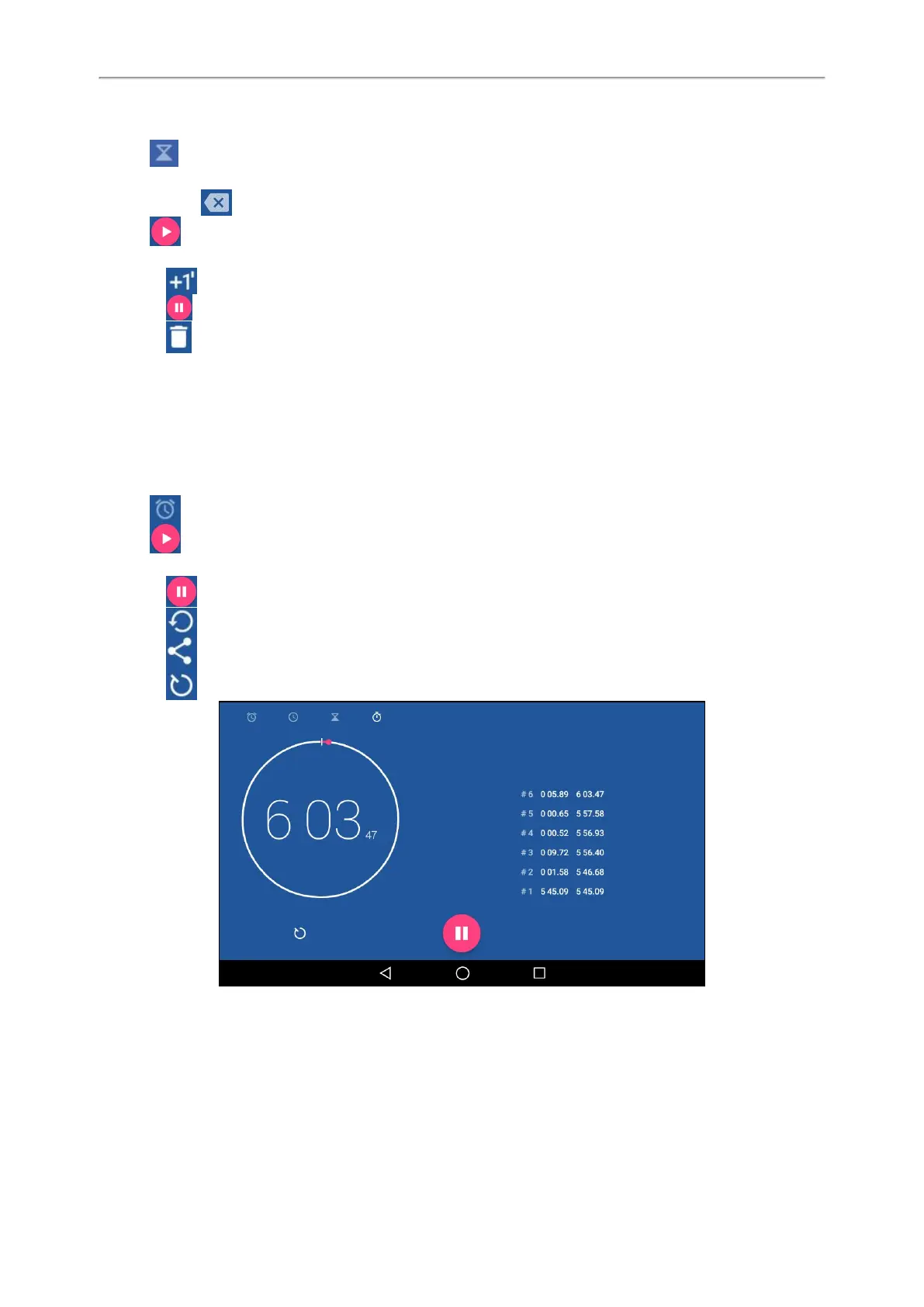
Setting a Stopwatch
You can set a stopwatch to measure the amount of time that you spend on something.
Procedure
1.
Tap the digital clock widget on the home screen.
2.
Tap .
3.
Tap .
4.
You can do the following:
l
Tap to pause the stopwatch.
Tap to reset the stopwatch.
Tap , and then tap Bluetooth or Email to share the record via Bluetooth or email.
l
Tap to count a lap while the stopwatch is running.
Related Topics
Sending Files via Bluetooth
Sending Files via Email



 To Next Page