Call Features
60
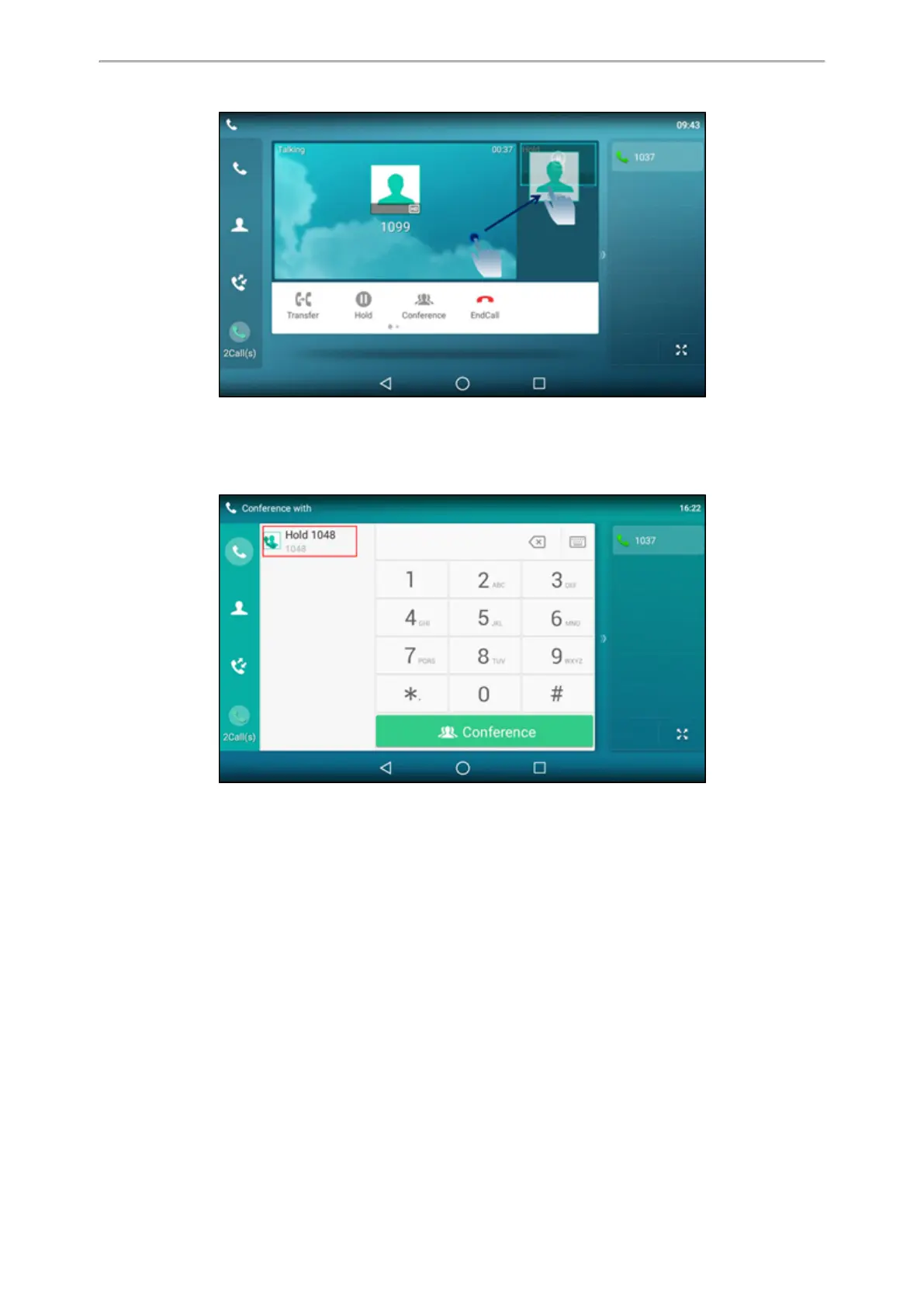
And then tap Conference from the pop-up box.
l
Tap the desired active call for a conference and tap Conference.
On the T58W phones, select Invite.
Tap the Hold call to join the calls in the conference.
Creating a Hybrid Conference
You can merge the calls on your phone, and connected mobile phone into a hybrid conference.
There are many ways to create a hybrid conference, the following shows an example.
Before You Begin
Make sure you have connected a mobile phone to your phone.
Procedure
1.
Place a mobile call over Bluetooth on the mobile phone.
2.
Place a call on the phone.
3. Tap Conference.
On the T58W phones, select Invite.
4.
Tap the hold call.
The calls are merged into a conference call.



 To Next Page