System Applications
108
1.
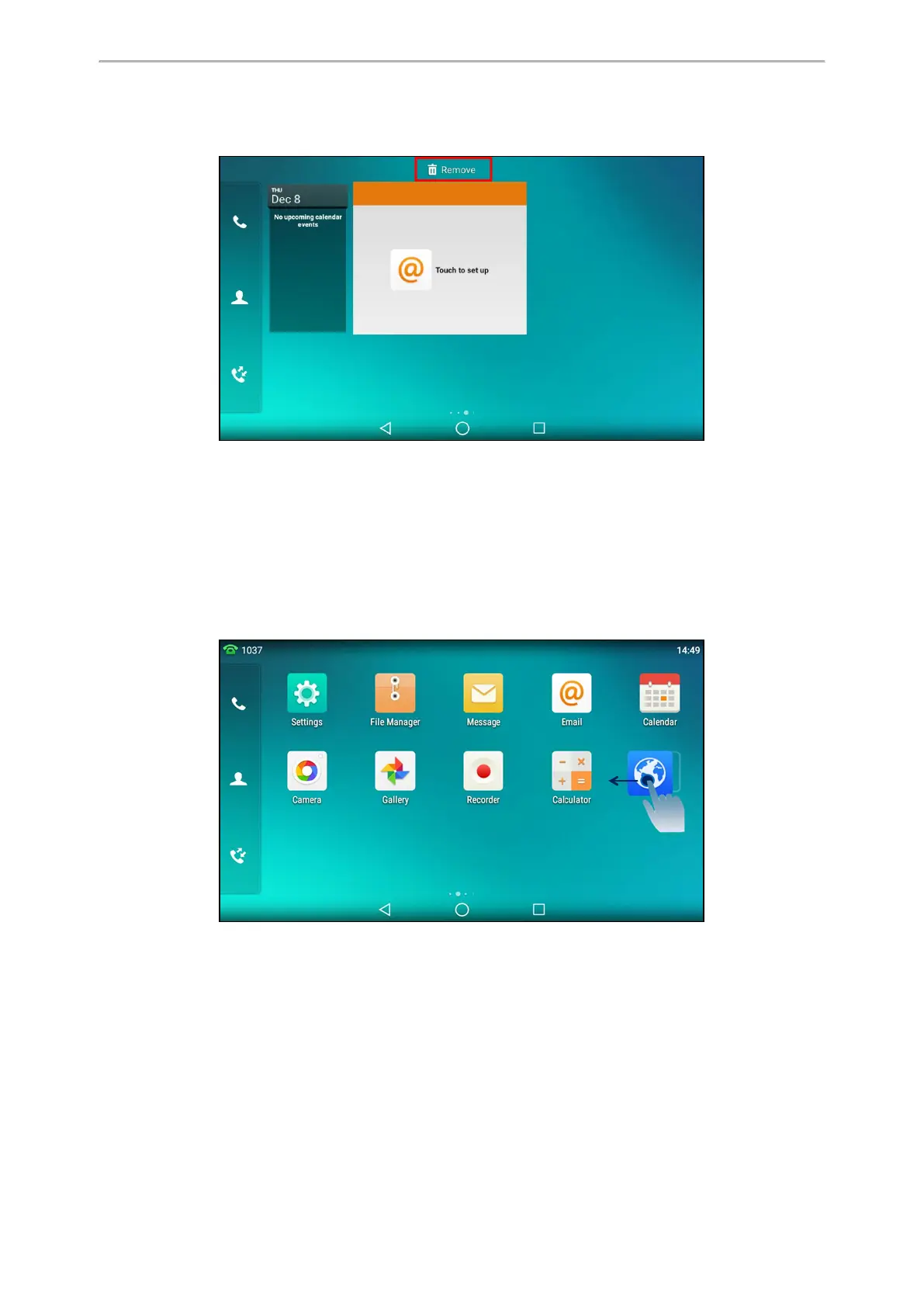
Long tap the desired item for about 2 seconds.
The Remove field will appear on the top of the phone screen.
2. Drag the item to the Remove field to remove it.
Creating a Folder
You can create a folder to organize your applications. For example, you can place the same kind of applications in
a folder.
It is not available to T58W phones.
Procedure
1.
Drag an application icon over another application icon.
2.
Lift your finger when a folder frame appears around the applications.



 To Next Page