Call Features
38
1.
Swipe left or right to go to the second idle screen.
2. Go to Settings > Features > Anonymous.
3.
Select the desired line.
4. Turn on Local Anonymous.
5. (Optional.) Select On Code or Off Code from the Send Anonymous Code field.
6.
(Optional.) Enter the anonymous call on code and off code respectively.
7.
Select .
8.
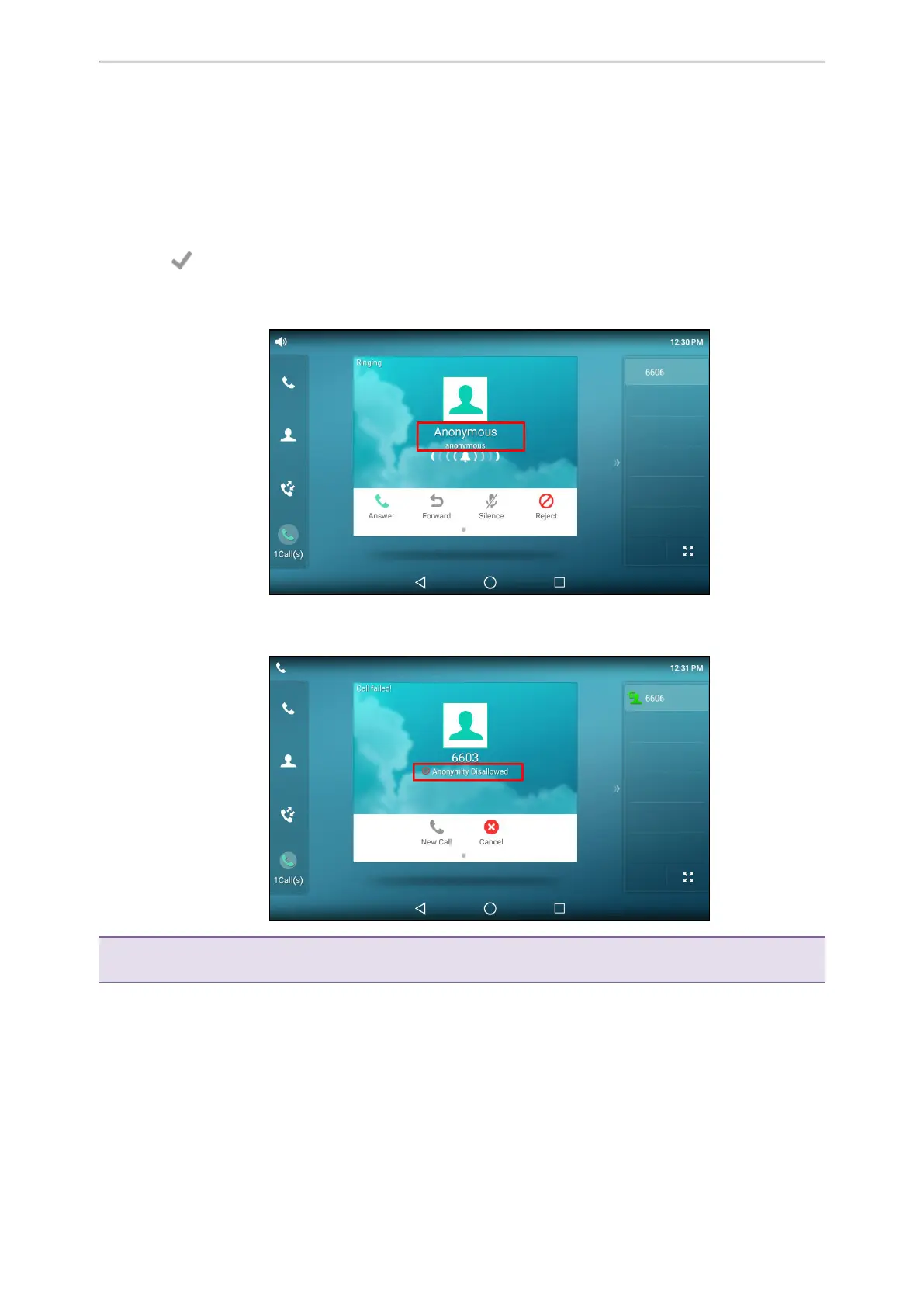
Select the anonymous line to place a call.
The callee is prompted with an incoming call from anonymity.
If the callee enables anonymous rejection feature, you may be prompted that the callee does not accept calls
from an anonymous number.
Tip: You can select All On to turn on local anonymous for all lines.
Related Topic
Rejecting Anonymous Calls
Placing a Call from the Google Contacts
You can place calls to the contact from the Google Contacts list.



 To Next Page