109
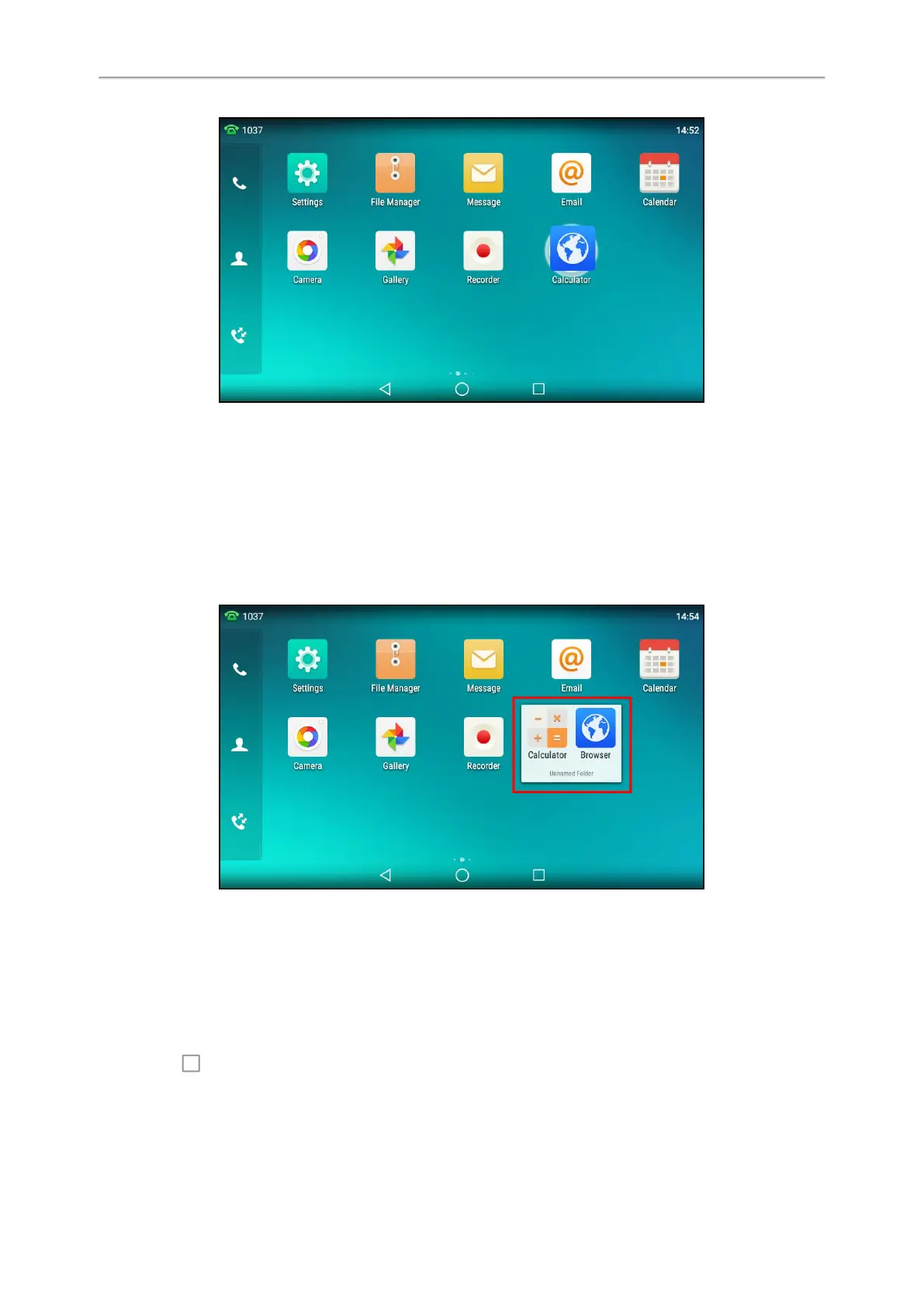
A new folder containing the selected applications is automatically created.
The folder will be deleted automatically if there is only one application in the folder.
Renaming a Folder
You can rename a folder to make it easier to be recognized.
It is not available to T58W phones.
Procedure
1.
Tap the desired folder to expand the folder.
2. Tap the Unnamed Folder field.
3.
Enter the desired folder name.
4. Tap Done on the onscreen keyboard.
5.
Tap the blank area of the phone screen.
The folder name is renamed.
Managing Running Applications
You can tap to view and manage the list of recently used applications that are still running in the background.
It is not available to T58W phones.



 To Next Page