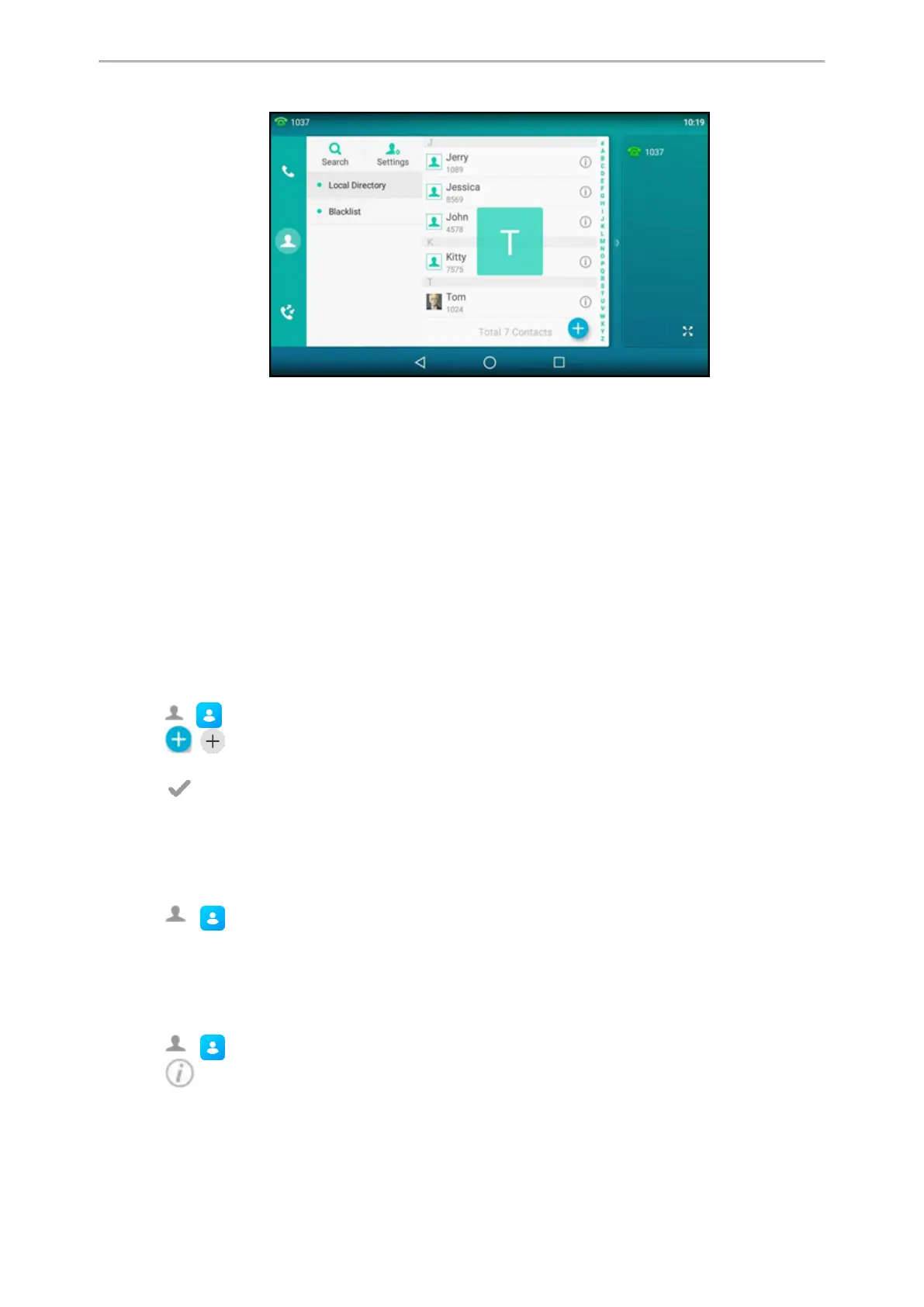
Directory
96
Blocklist
Incoming calls from the Blocklist are rejected automatically. You can store up to 30 contacts in the blocklist to block
unwanted callers.
Topics
Adding a Blocklist Contact
Viewing Blocklist Contacts
Editing a Blocklist Contact
Deleting a Blocklist Contact
Moving a Blocklist Contact to the Local Directory
Adding a Blocklist Contact
You can add a blocklist contact on the phone to prevent someone from calling you.
Procedure
1.
Go to ( ) > Blocklist.
2.
Select ( ).
3.
Enter the blocklist contact’s information.
4.
Select or OK.
Viewing Blocklist Contacts
You can view the blocklist contacts from the Blocklist on your phone.
Procedure
1.
Go to ( ) > Blocklist.
Editing a Blocklist Contact
You can update your blocklist contacts' information.
Procedure
1.
Go to ( ) > Blocklist.
2.
Select after the desired blocklist contact.



 To Next Page