121
Before You Begin
Before sharing pictures/videos via Bluetooth, make sure the Bluetooth device is discoverable.
Procedure
1.
Swipe left or right to go to the second idle screen.
2.
Tap ( ) to launch the Gallery.
3.
Tap the desired picture album.
4.
Do one of the following:
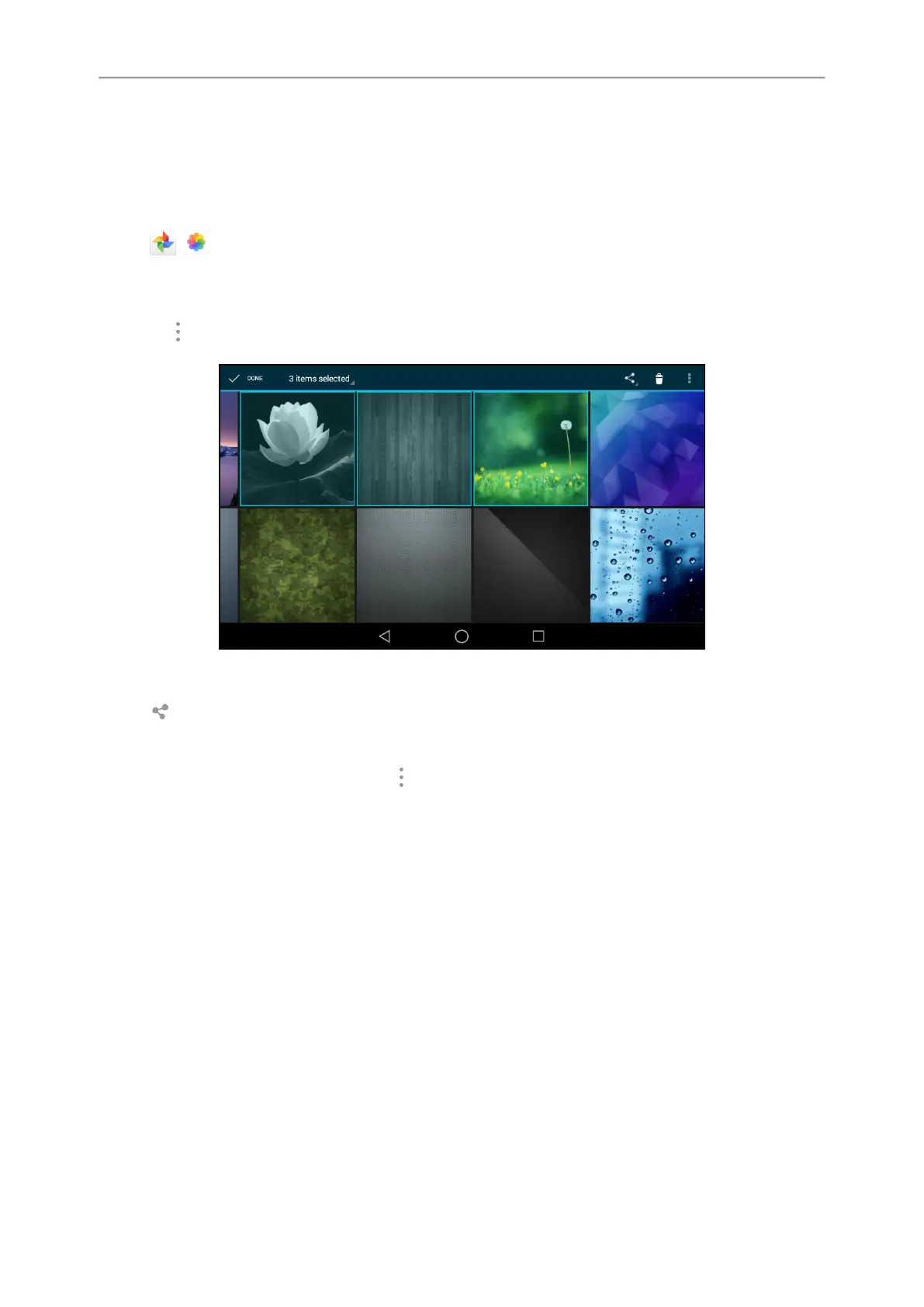
l Long tap one of the pictures/videos.
l
Tap > Select item.
Select the pictures/videos you want to share.
You can also tap n items selected (n represents the number of pictures/videos you selected) and then tap
Select all to select all pictures/videos.
5.
Tap , and then select Bluetooth.
6. If the Bluetooth is deactivated, it will prompt you to tap Turn on to activate the Bluetooth mode.
The phone scans and displays the available Bluetooth device automatically.
If there is no Bluetooth device found, go to > Refresh to search for the Bluetooth devices.
7.
Tap the desired Bluetooth device to share the pictures/videos.
The phone screen will prompt “Sending n file to “XXX”” (n represents the number of pictures/videos that are
being sent).
8.
Accept the request of transferring files via Bluetooth on the Bluetooth device.
If the pictures/videos are successfully transferred, the notification center will display a notification “Bluetooth
share: Sent files n successful, n unsuccessful.” (n represents the number of files that are sent successfully or
unsuccessfully).



 To Next Page