Customizing Your Phone
142
Backlight Time: The delay time to change the brightness of the phone screen when the phone is inactive. Backlight
time includes the following settings:
l
Always On: Backlight is on permanently.
l
30min, 1h, 2h,4h, 6h, 8h or 12h: Backlight is changed when the phone is inactive after the designated time.
Procedure
1.
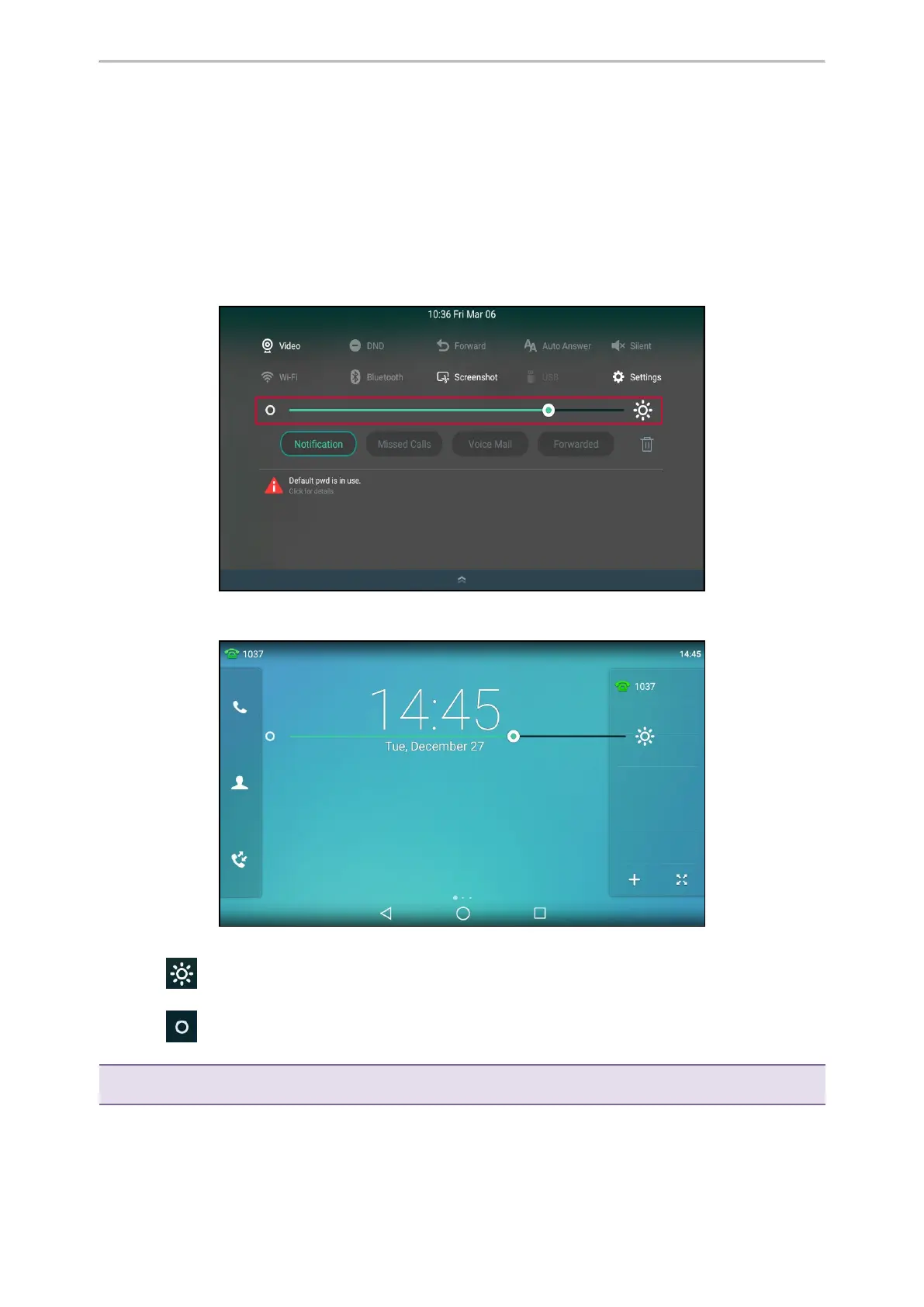
Swipe down from the top of the screen.
2.
Do one of the following:
l Drag the backlight slider.
When dragging the slider, the control center (except the backlight slider) and notification center will be hid-
den. You can view the intensity changes of the phone screen in real-time.
If you lift your finger, the control center and notification center will be shown again.
l
Tap .
The intensity of the phone screen is changed to the highest.
l
Tap .
The intensity of the phone screen is changed to the lowest.
Tip: You can only change the screen intensity during phone activity on the control center. To change the backlight time, go to
Settings > Basic Settings > Display > Backlight.



 To Next Page