16
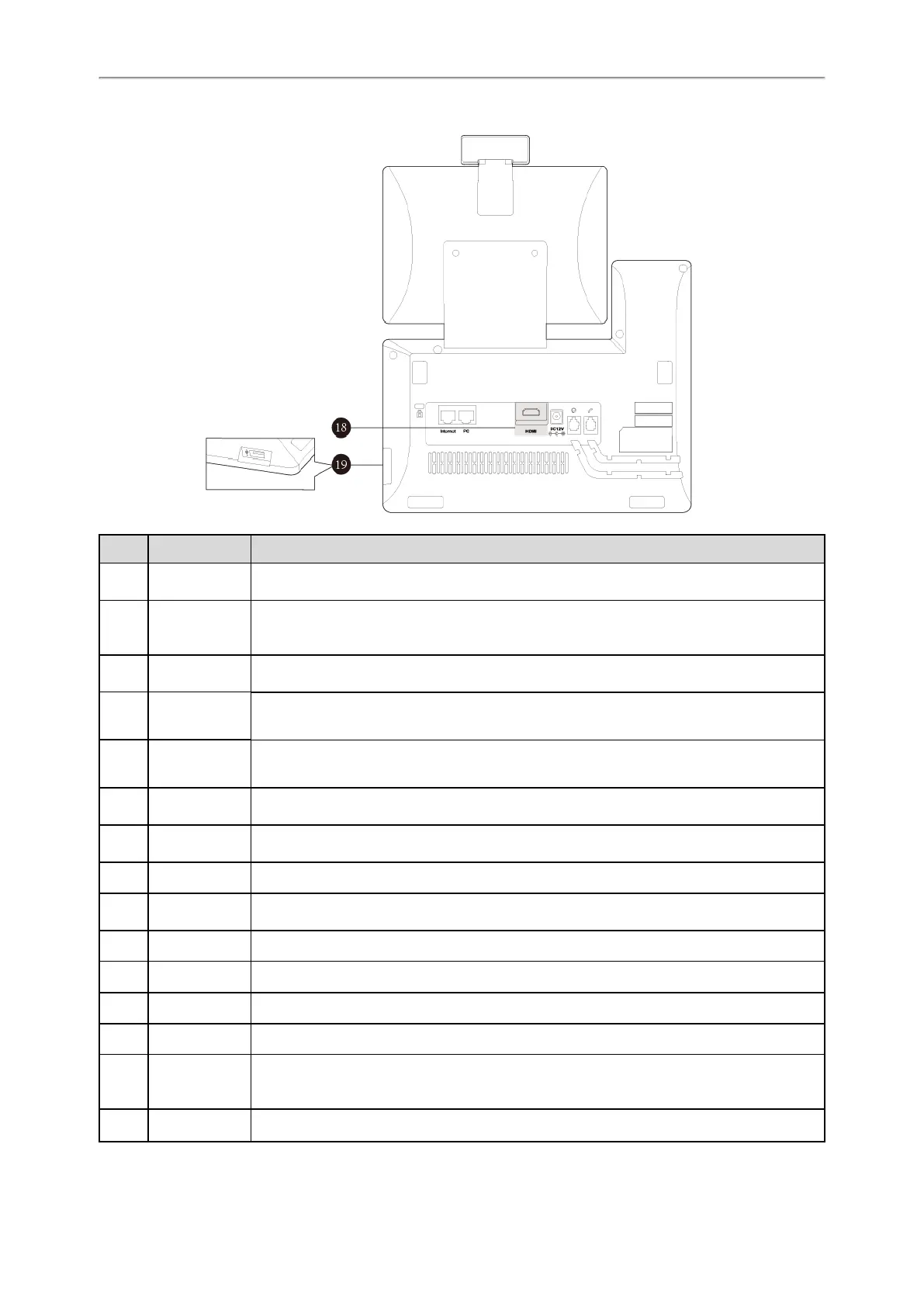
No. Item Description
1
Power LED
Indicator
Indicates call status, message status and phone’s system status.
2
Touch Screen
Allows you to select items and navigate menus on the touch-sensitive screen. Tap to select
and highlight screen items.
Shows information about calls, messages, time, date and other relevant data.
3
MESSAGE Key
• Accesses voice mails.
• Captures screenshots during a video call.
4
HEADSET Key
Toggles and indicates the headset mode.
The key LED glows green when headset mode is activated.
5
MUTE Key
Toggles and indicates mute feature.
The key LED glows red when the call is muted.
6
VIDEO Key
• Allows you to preview local-site video when the phone is idle.
• Controls the transmission of video images during calls and conferences.
7
TRANSFER
Key
Transfers a call to another party.
8
Volume Key Adjusts the volume of the handset, headset and speaker.
9
Speakerphone
Key
Toggles and indicates the hands-free (speakerphone) mode. The key LED glows green
when the hands-free (speakerphone) mode is activated.
10
REDIAL Key Redials a previously dialed number.
11
HOLD Key Places a call on hold or resumes a held call.
12
Keypad Provides the digits and special characters in context-sensitive applications.
13
Speaker Provides hands-free (speakerphone) audio output.
14
Hookswitch
• Picking up the handset from the handset cradle, the hookswitch bounces and the phone
connects to the line.
• Laying the handset on the handset cradle, the phone disconnects from the line.
15
Privacy Shutter
Covers and uncovers the camera. When the camera is switched off, the video image turns



 To Next Page