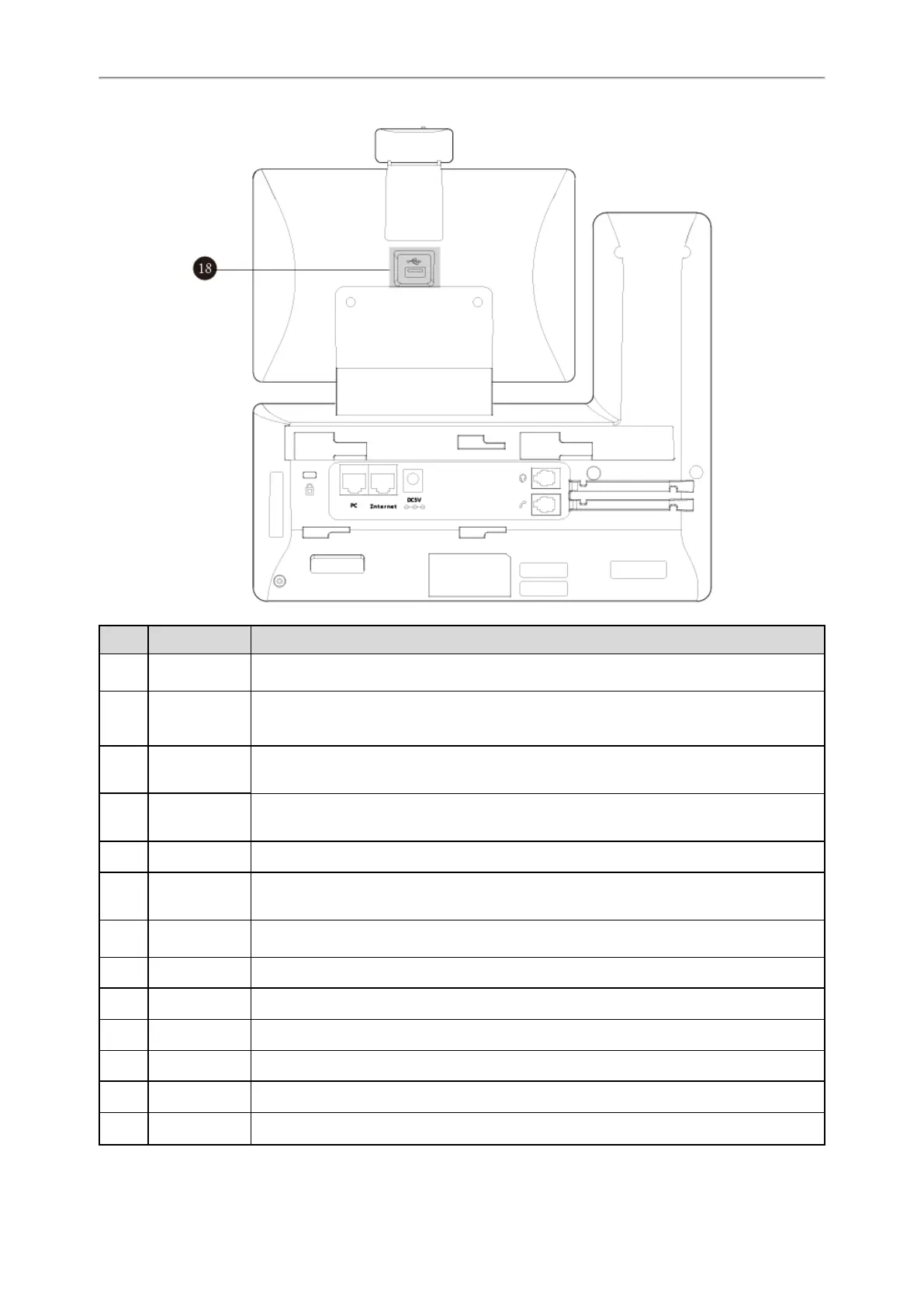
18
No. Item Description
1
Power LED
Indicator
Indicates call status, message status and phone’s system status.
2
Touch Screen
Allows you to select items and navigate menus on the touch-sensitive screen. Tap to select
and highlight screen items.
Shows information about calls, messages, time, date and other relevant data.
3
HEADSET Key
Toggles and indicates the headset mode.
The key LED glows green when headset mode is activated.
4
MUTE Key
Toggles and indicates mute feature.
The key LED glows red when the call is muted.
5
REDIAL Key Redials a previously dialed number.
6
Speakerphone
Key
Toggles and indicates the hands-free (speakerphone) mode.
The key LED glows green when the hands-free (speakerphone) mode is activated.
7
TRANSFER
Key
Transfers a call to another party.
8
HOLD Key Places a call on hold or resumes a held call.
9
MESSAGE Key Accesses voice mails.
10
Volume Key Adjusts the volume of the handset, headset, and speaker.
11
Keypad Provides the digits and special characters in context-sensitive applications.
12
Speaker Provides hands-free (speakerphone) audio output.
13
Reversible Tab
Secures the handset in the handset cradle when the phone is mounted vertically. For more



 To Next Page