69
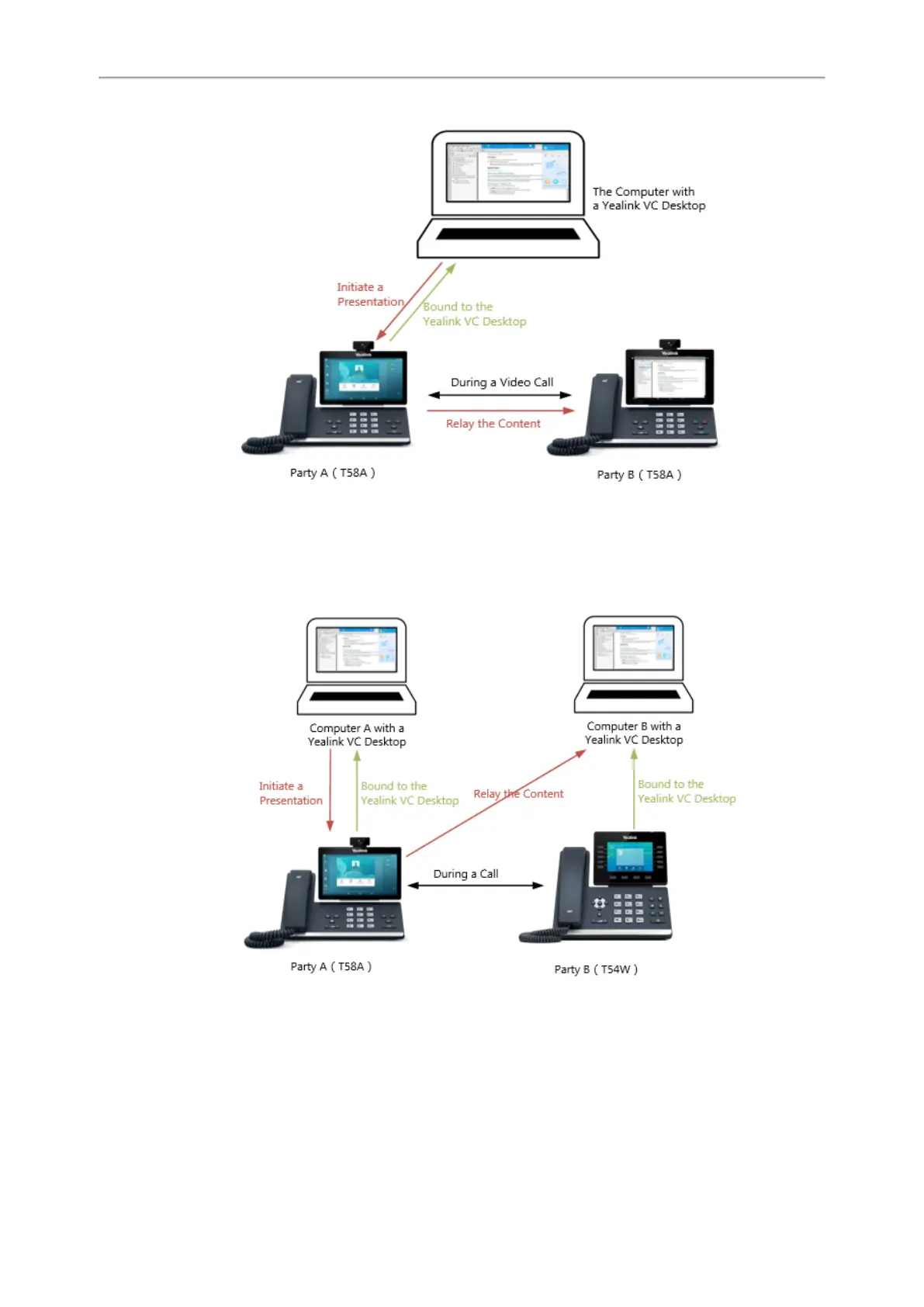
Scene 2-Far site does not support video
During the call, party A shares content from the computer A using Yealink VC Desktop with party B. Phone A
prompts that it is sharing content, and the Yealink VC Desktop on computer B displays the shared content from
party A.
Procedure
1.
Bind your phone to the Yealink VC Desktop.
2.
Share content with another phone using Yealink VC Desktop.
For more information, see Yealink VC Desktop User Guide.



 To Next Page