Activation Date & Time
This parameter sets the Date & Time when the software pack activation will occur.
This setting can be any future date and 24 hour time.
Skip Confirmation Step
This parameter when enabled skips the confirmation step during the activation process.
Normally, the confirmation step will require use intervention to accept the confirmation which will halt the
activation process. Skipping the confirmation will enable the activation process to continue without use
intervention.
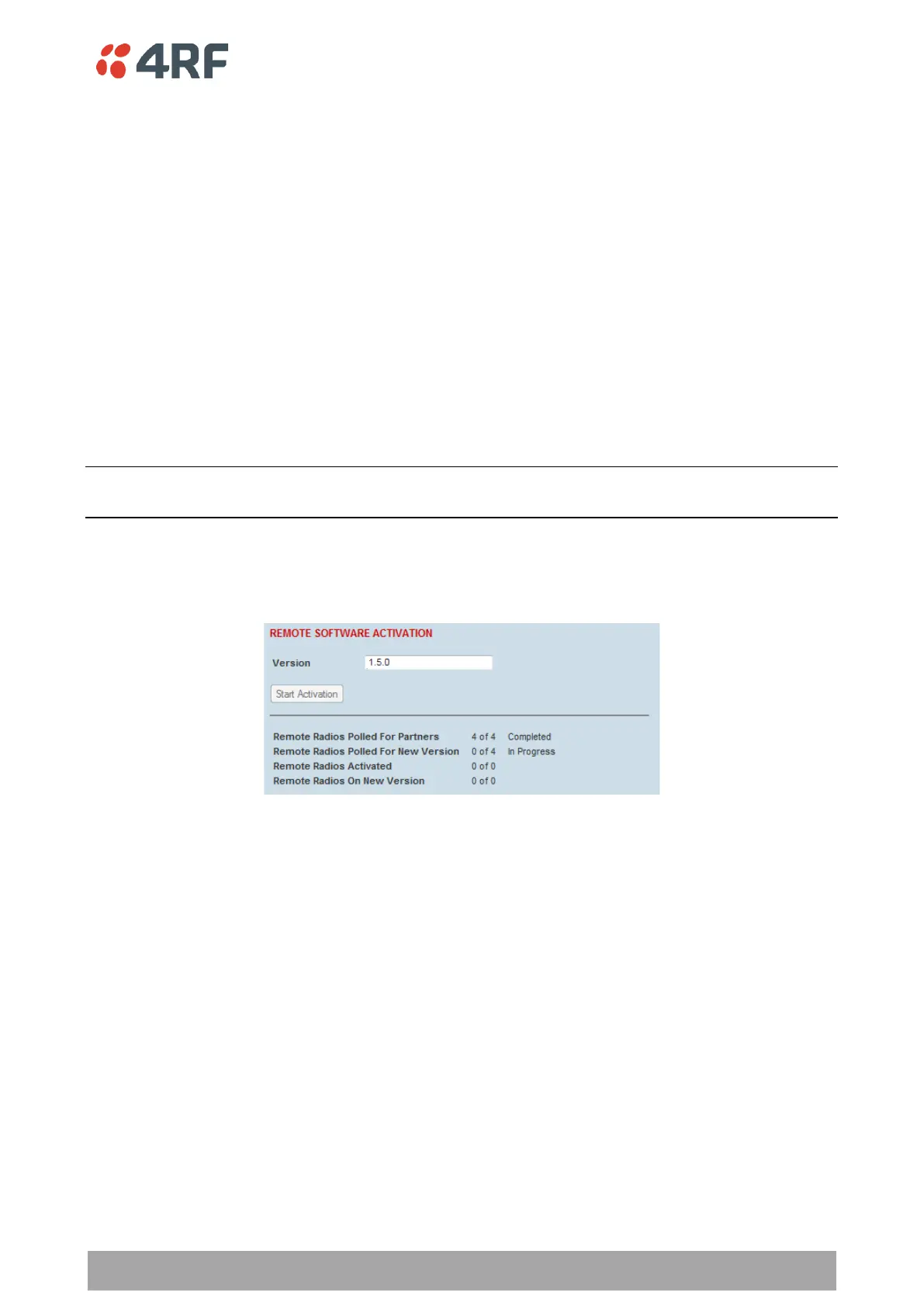
To activate software in remote radios:
This process assumes that a Software Pack has been loaded into the base station with the file transfer
process (see ‘Software > File Transfer’ on page 293) and that distributed to all remote radios in the network.
Note: Do not navigate SuperVisor away from this page during the activation process (SuperVisor can lose PC
focus).
1. Enter the Software Pack version (if different from displayed version).
2. See ‘Software > Manager’ on page 297 for the activation options.



 To Next Page