42 Electrical installation
Connecting the communication and auxiliary cabling (if
equipped)
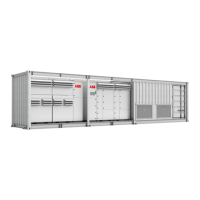
Refer to the wiring diagrams for communications and the AC cabinet that are delivered
with the megawatt station.
To connect the cabling:
1. Remove the covers of the cable entries.
2. Lead the cables into the megawatt station and seal the cable entries.
3. Connect the cables to the correct terminals in the AC cabinet (communication cabinet
and AC distribution cabinet).
4. Fill the cable trenches and seal the cable entries (refer to Finalizing the installation on
page 43).
Connecting the power grid cabling to the switchgear
Refer to the switchgear manual and the wiring diagrams that are delivered with the unit.
1. Remove the covers of the cable entries.
2. Lead the cables into the megawatt station and seal the cable entries.
3. Terminate the cables according to the cable manufacturer instructions and connect the
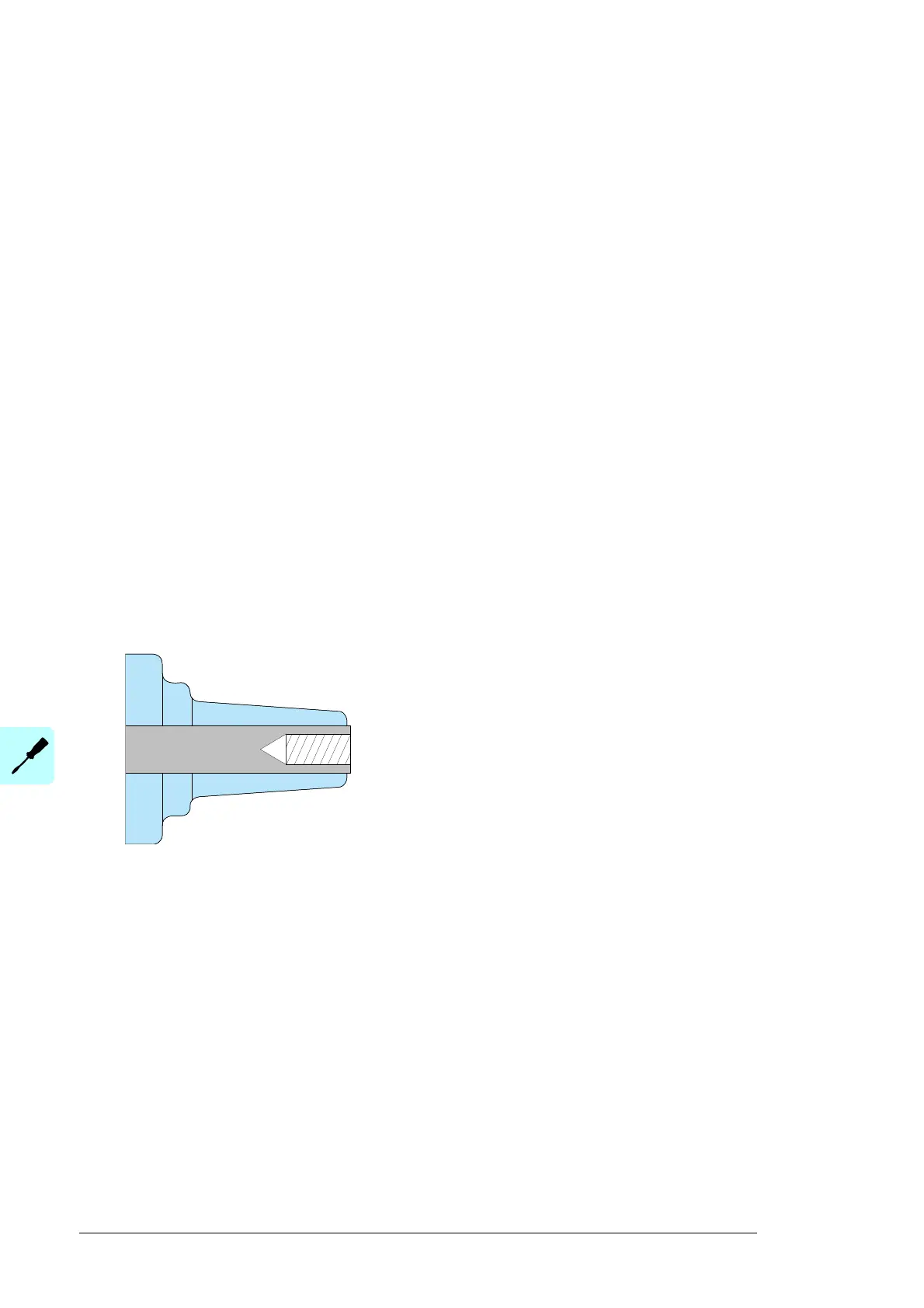
cables to the switchgear. The standard cable terminations installed in the switchgear
are shown in the figure.
4. Fill the cable trenches and seal the cable entries (refer to Finalizing the installation on
page 75).
Connect the cables to the correct terminals.
Interface C with M16x2 metric threads
Bolted type 400 series, I
n
= 630 A
Standard on all modules and for side
connection.


 To Next Page