60 Maintenance
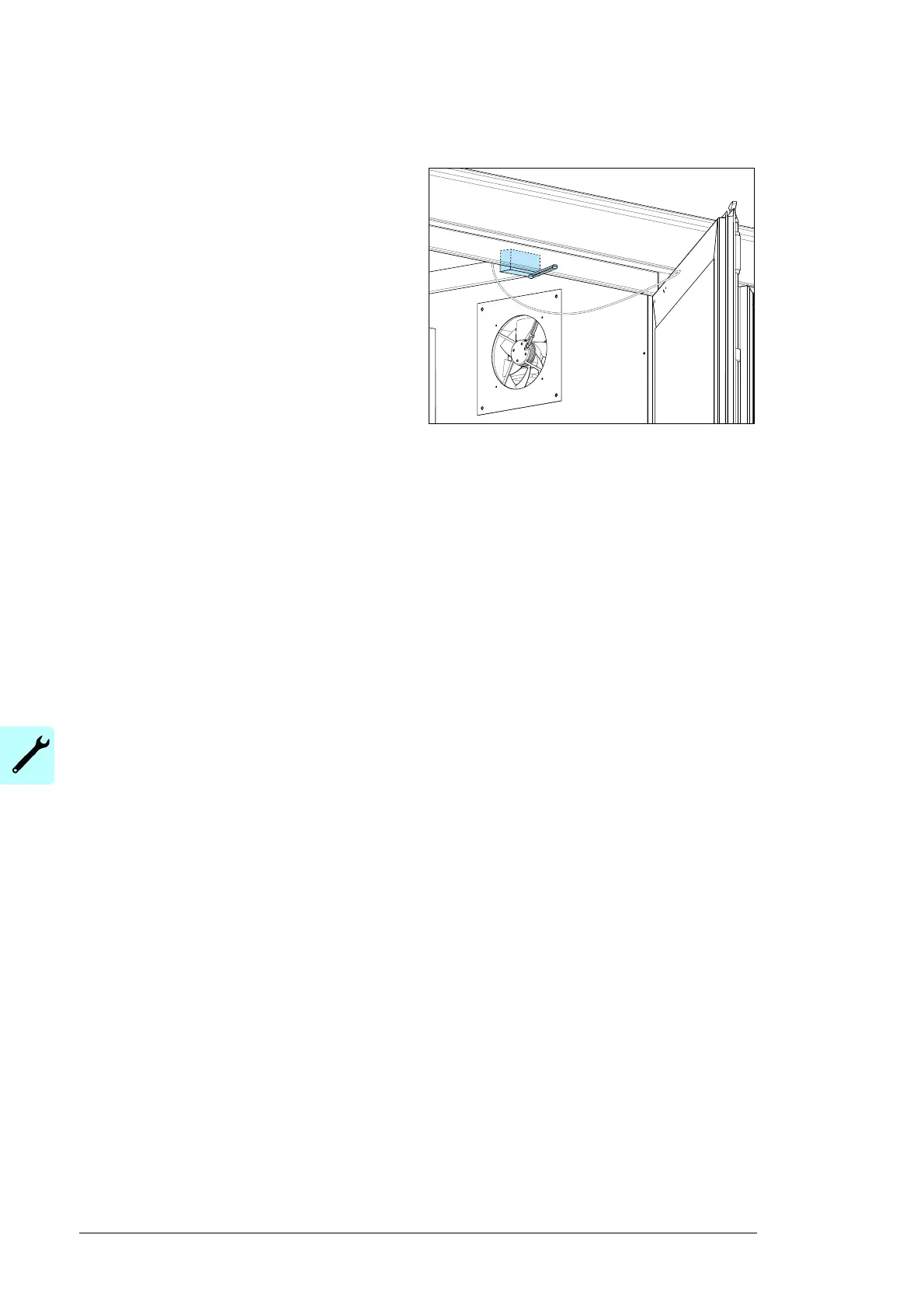
To replace the door limit switch
1. Open the main circuit breaker of the
auxiliary panel. Make sure that the
circuit breaker cannot be closed
accidentally during the maintenance
procedure.
2. Measure to make sure that no voltage
is connected to the limit switch door
and light line.
3. Loosen the limit switch screws.
4. Replace the limit switch according to
the sensor manual and verify the
appropriate connections and operation.
5. Close the circuit breaker (98A1-2) and make sure that operates correctly.
To set or replace the transformer compartment sensors
(thermostat and hygrostat)
1. Set the circuit breaker of the supply line to OFF.
2. Measure to make sure that no voltage is present.
3. To change the settings of the sensors, adjust the dial with a flat screwdriver to be
suitable for the local climate.
4. To replace a faulty sensor, obey the instructions in the applicable documentation.
Before you start-up the unit, make sure that the sensor operates correctly.


 To Next Page