Maintenance 55
To clean the AC cabinet
WARNING! Do the steps in section Safety instructions for the inverter and AC
cabinet compartment on page 13. Ignoring the instructions can cause physical
injury or death, or damage to the equipment.
1. Clean the floor plates with a vacuum cleaner.
2. Remove the floor plates to access the base of the megawatt station.
3. Clean the base area with a vacuum cleaner.
4. Install the floor plates.
5. Clean the outer surfaces, the AC cabinets and the entire compartment with the
vacuum cleaner.
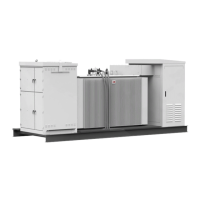
To clean the transformer and switchgear compartments
1. Make sure that the transformer has cooled down before you proceed.
2. Use a vacuum cleaner to clean the floor, doors and interior metal beams. If it is
necessary, use a duster or pressurized air to clean locations you cannot reach with the
vacuum cleaner.
3. Clean the surface of the transformer with a duster. If there is a lot of dust, use
compressed air.
4. Clean the insulators of the transformer.
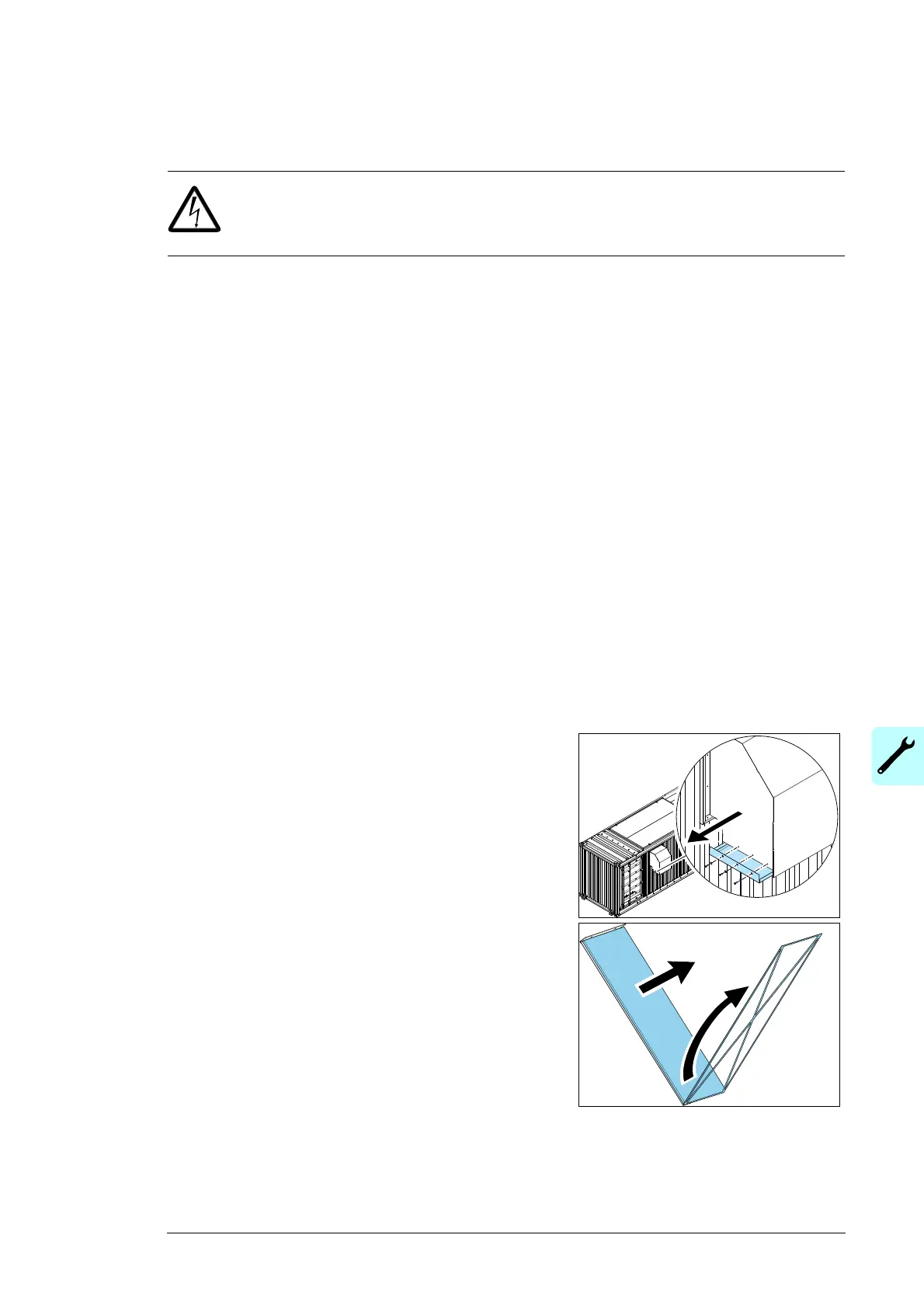
To examine and clean the hood filters
1. Remove the 3 screws that hold the filter frame.
2. Carefully pull the filter frame out of the hood.
3. Clean the air filters with compressed air or
replace the air filters.
Make sure that dust does not go into the
megawatt station.
4. Put the cleaned filter frame into the hood.
5. Install and tighten the 3 screws.


 To Next Page