36 1VLG5 00007 E
Configuration procedure in PCM600
Only three simple steps are needed to get GOOSE engineered in PCM600.
Step 1 / 3
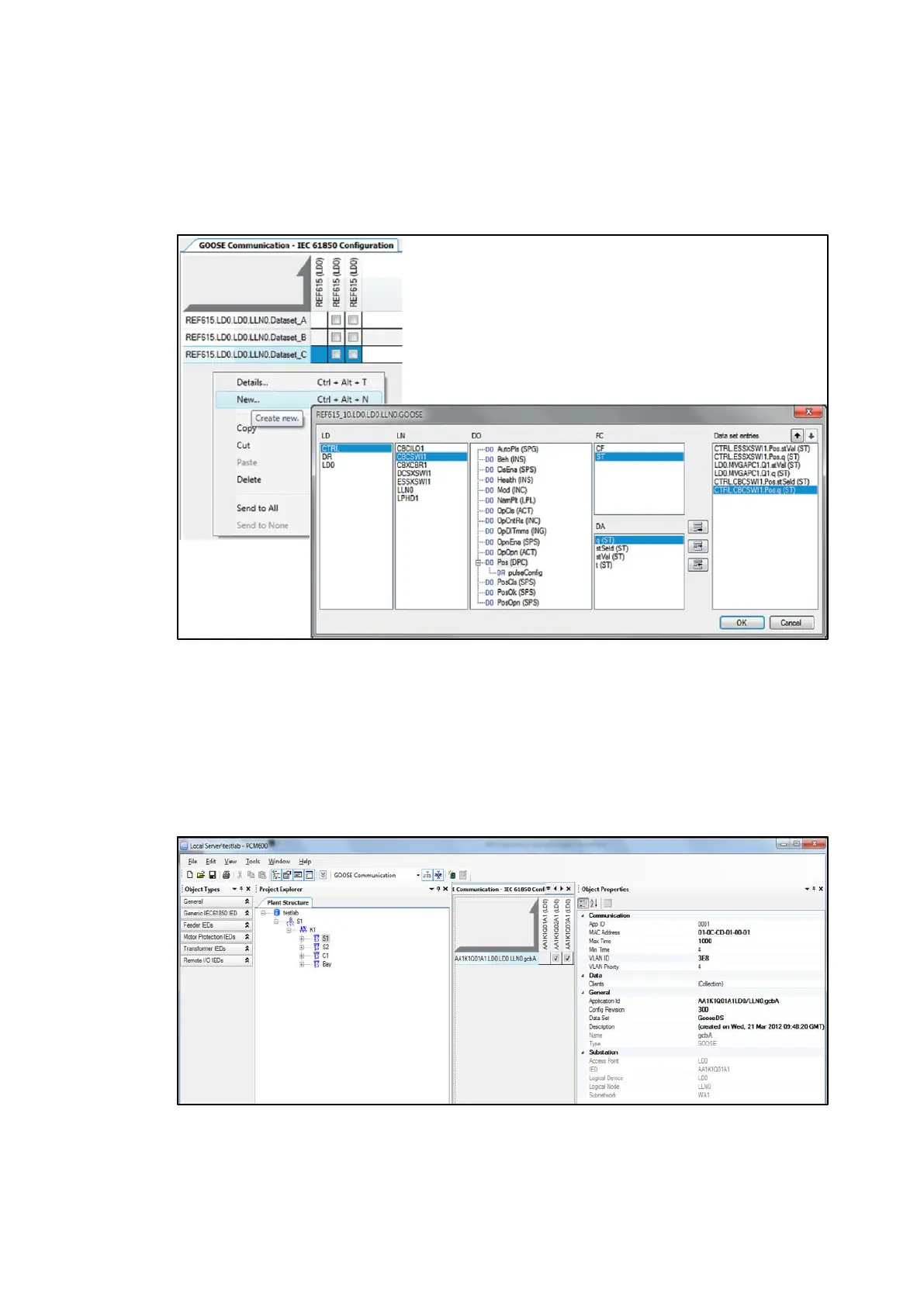
Creating a GOOSE data set and its entries with the IEC 61850 Configuration tool
Figure 44: Creating a new GOOSE data set and its entries
A maximum of 20 data attributes can be added to a single GOOSE data set. If a data set has
quality attributes, the attributes must be located after the status value of the same data
object.
Step 2 / 3
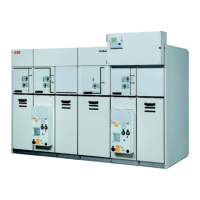
Configuring a GOOSE control block with the IEC 61850 Configuration tool
Figure 45: GOOSE control block properties



 To Next Page