38 1VLG5 00007 E
Step 3 / 3
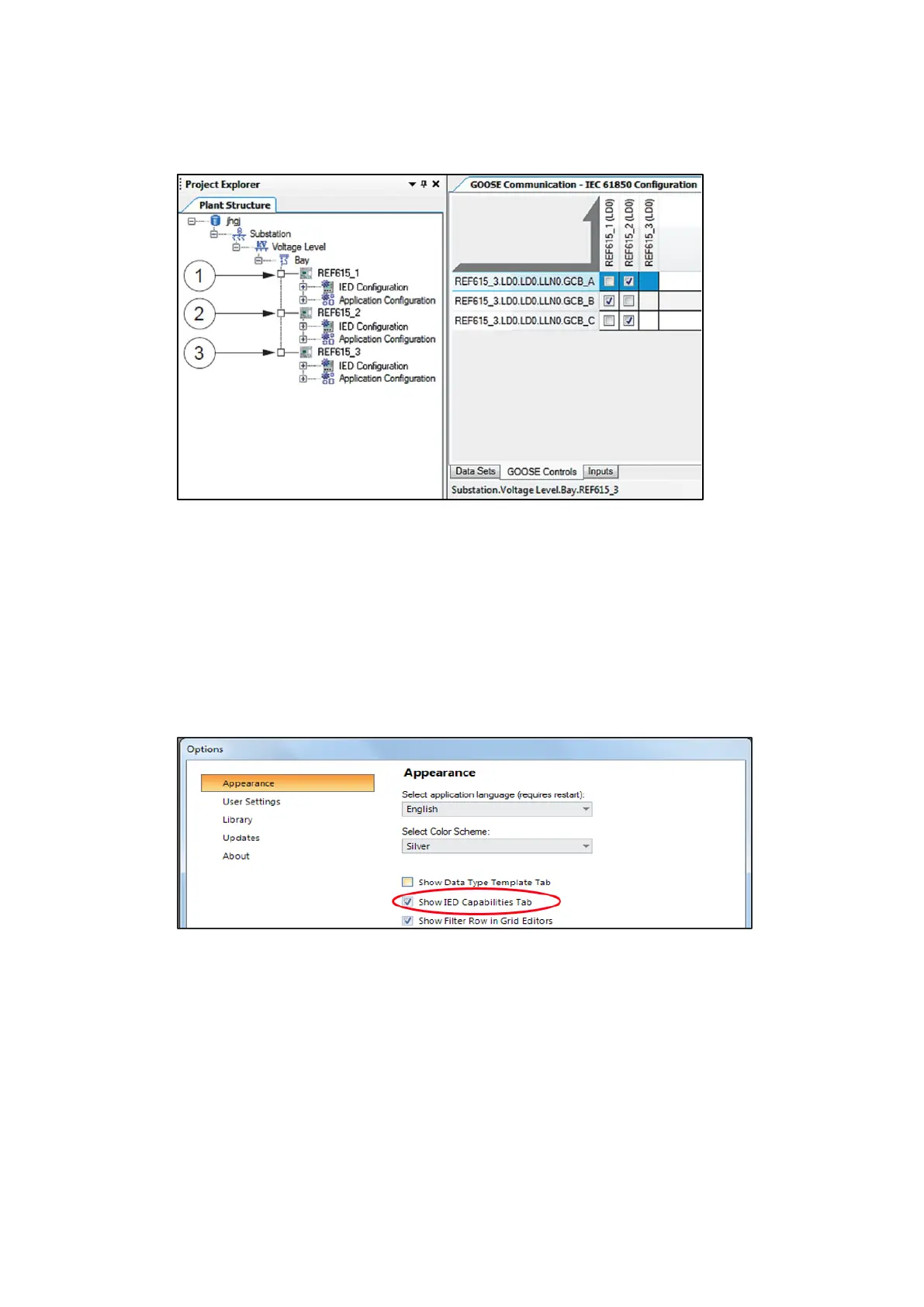
Configuring GOOSE receivers with the IEC 61850 Configuration tool
Figure 46: GOOSE control block editor (1- receiver #1, 2- receiver #2, 3 – sender)
Configuration procedure in IET600
Step 1 / 6
After the common configuration items have been completed, the SCD file has been exported
from PCM600 and the SCD file has been imported to IET600.
Step 2 / 6
In the Options dialog box in IET600, click Show IED Capabilities Tab.
Figure 47: Selecting Show IED Capabilities Tab



 To Next Page