Chapter 9 Analyze the Comparative C
T
Experiment
Publish the Data
Applied Biosystems 7500/7500 Fast Real-Time PCR System Getting Started Guide for Relative Standard Curve
and Comparative C
T
Experiments
202
Notes
Compare Analysis Settings
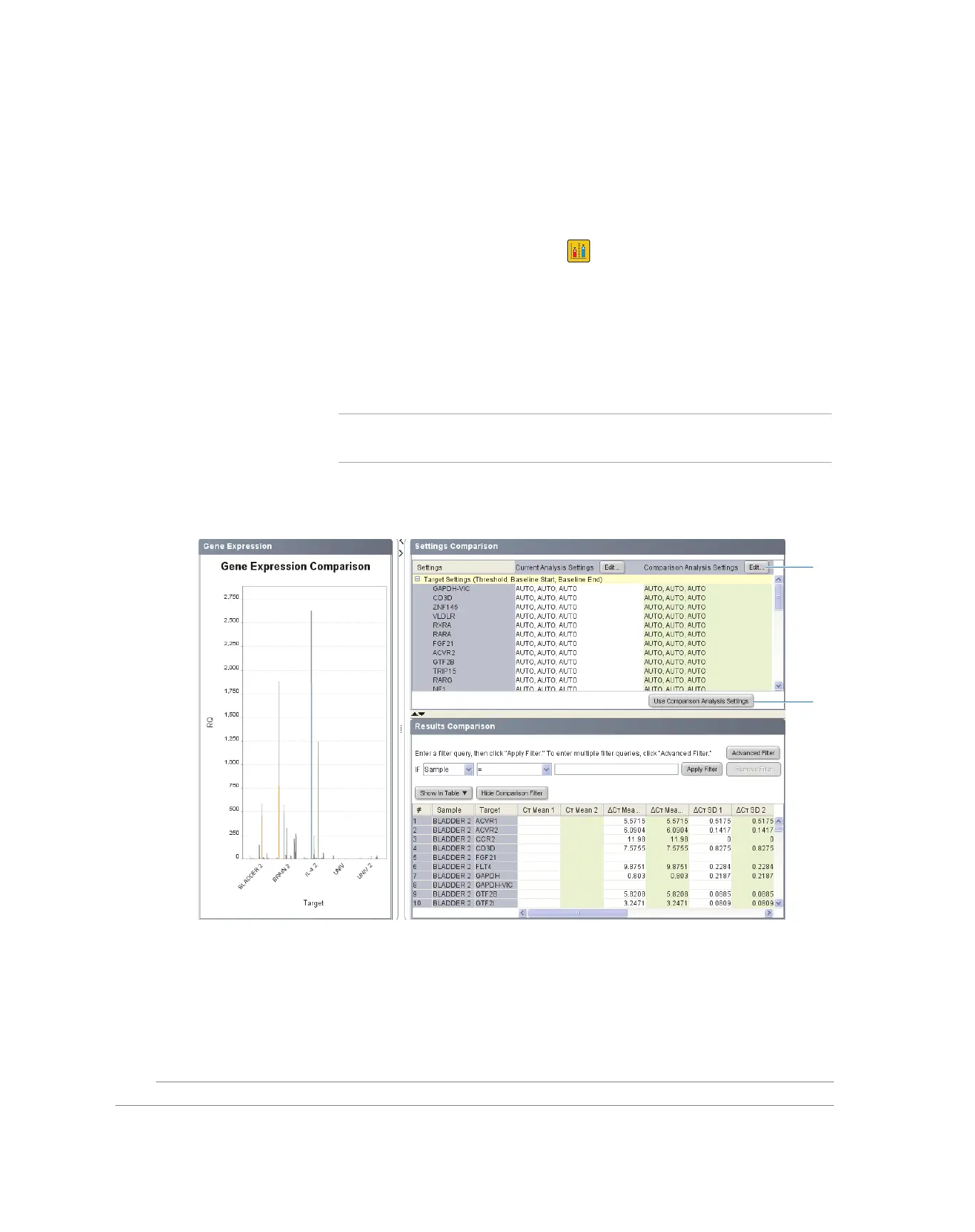
The Compare Settings screen allows you to perform a side-by-side comparison of
analysis settings for a comparative C
T
study.
Complete the
Compare
Settings Screen
1. In the navigation pane, select Analysis Compare Settings.
2. In the Comparison Settings group, modify the comparison analysis settings:
a. Click Edit to the right of the Comparison Analysis Settings heading.
b. Edit the comparison analysis settings as desired, then click Analyze.
c. Click Use Comparison Analysis Settings to analyze the study data using the
modified settings.
Note: Click Use Comparison Analysis Settings to use the previous analysis
settings.
3. Compare the results in the Results Comparison pane. The table uses shaded cells to
distinguish the results from the comparison settings.
Publish the Data
You can publish the study data in the same way you publish experiment data. See
“Publish the Data” on page 97 for more information.
2c
2a



 To Next Page