Chapter 4 Run the Relative Standard Curve Experiment
Prepare for the Run
67
Applied Biosystems 7500/7500 Fast Real-Time PCR System Getting Started Guide for Relative Standard Curve
and Comparative C
T
Experiments
Notes
Prepare for the Run
You prepare for the run by opening the example experiment file you created in Chapter 2,
then loading the sealed reaction plate into the 7500/7500 Fast instrument.
Open the
Example
Experiment
1. Double-click (7500 software) or select StartAll Programs
Applied Biosystems7500 Software<software name>
where <software name> is the current version of the 7500 software.
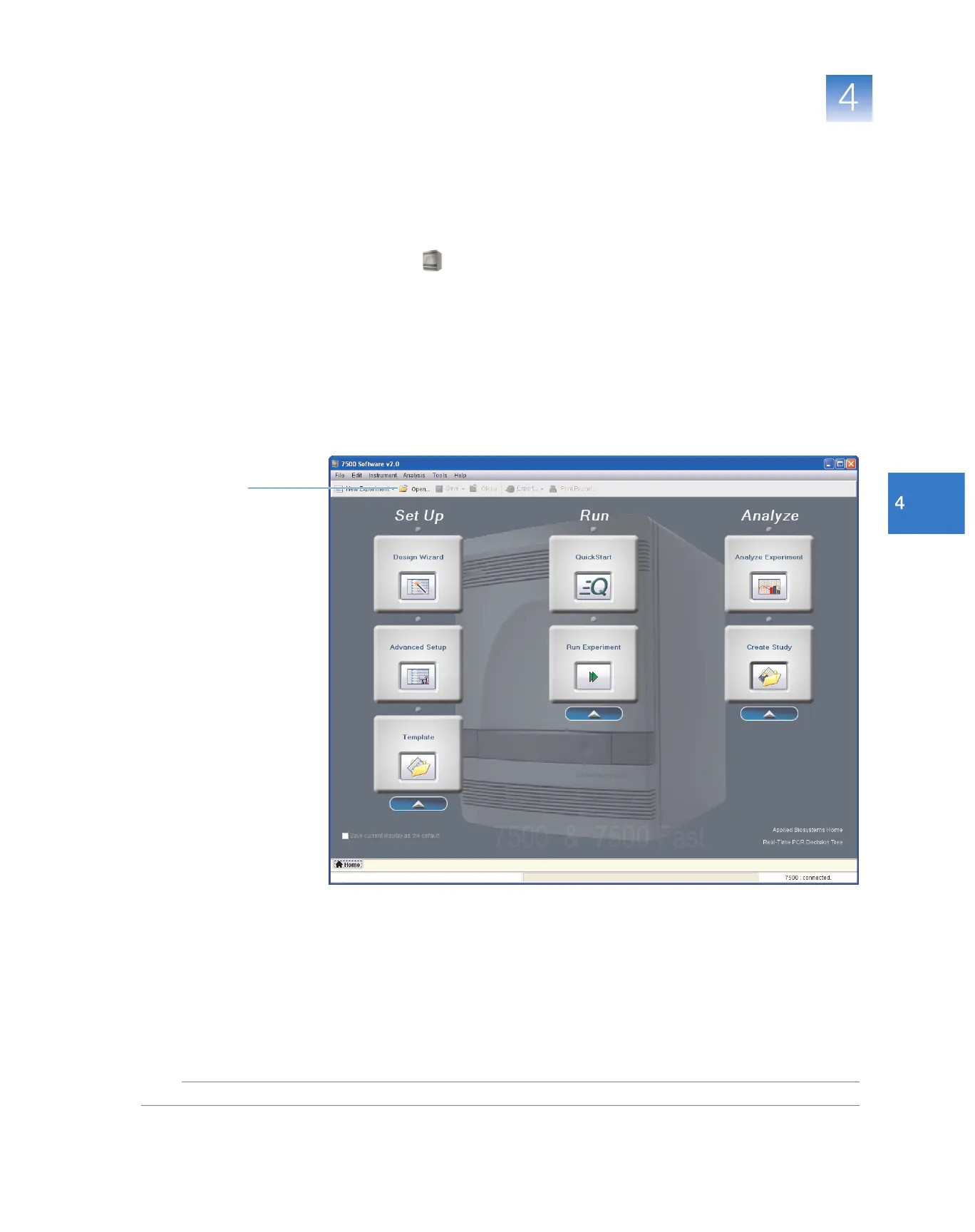
2. In the Home screen, click Open.
3. In the Open dialog box, navigate to the experiments folder (default) at:
<drive>:\Applied Biosystems\<software name>\experiments
4. Double-click the example experiment file that you created in Chapter 2.
2



 To Next Page