Chapter 4 Run the Relative Standard Curve Experiment
Unload the Instrument
Applied Biosystems 7500/7500 Fast Real-Time PCR System Getting Started Guide for Relative Standard Curve
and Comparative C
T
Experiments
74
Notes
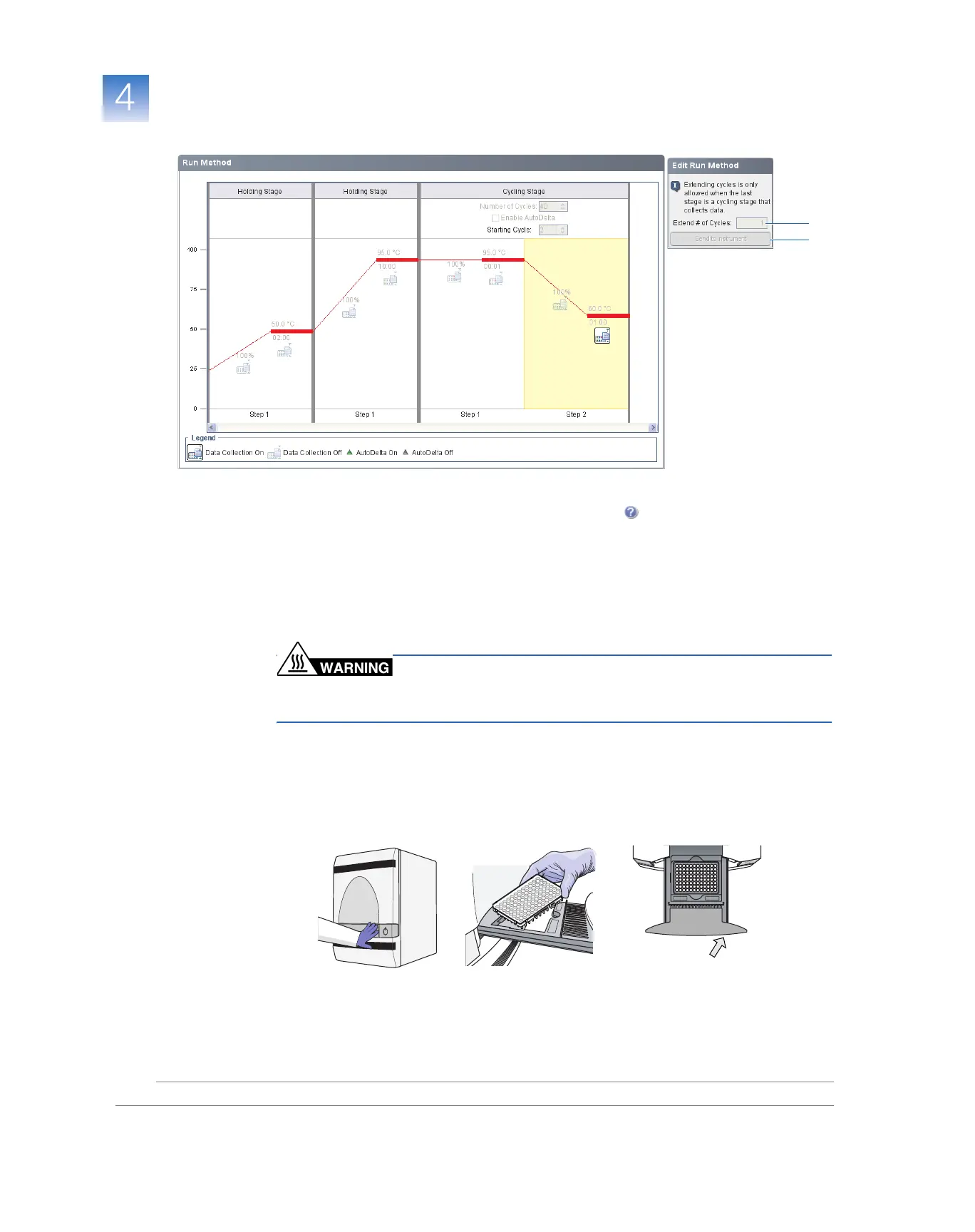
If an alert is displayed, click the error for more information, then troubleshoot the
problem as explained in the 7500 Software Help (click or press F1).
Unload the Instrument
When your 7500/7500 Fast instrument displays the Run Complete, unload the reaction
plate from the instrument.
Unload the
Reaction Plate
PHYSICAL INJURY HAZARD. During operation, the sample
block can be heated to 100 °C. Before performing the following procedure, be sure to
wait until the sample block reaches room temperature.
1. Push the tray door to open it.
2. Remove the calibration plate.
3. Push the tray door to close it.
A
B
GR2471
GR2471
7500
tray top view
Push
GR2477
7300/7500
barcode on plate
GR2477



 To Next Page