CHAPTER 9. TEMPO CONTROL AND WARPING 127
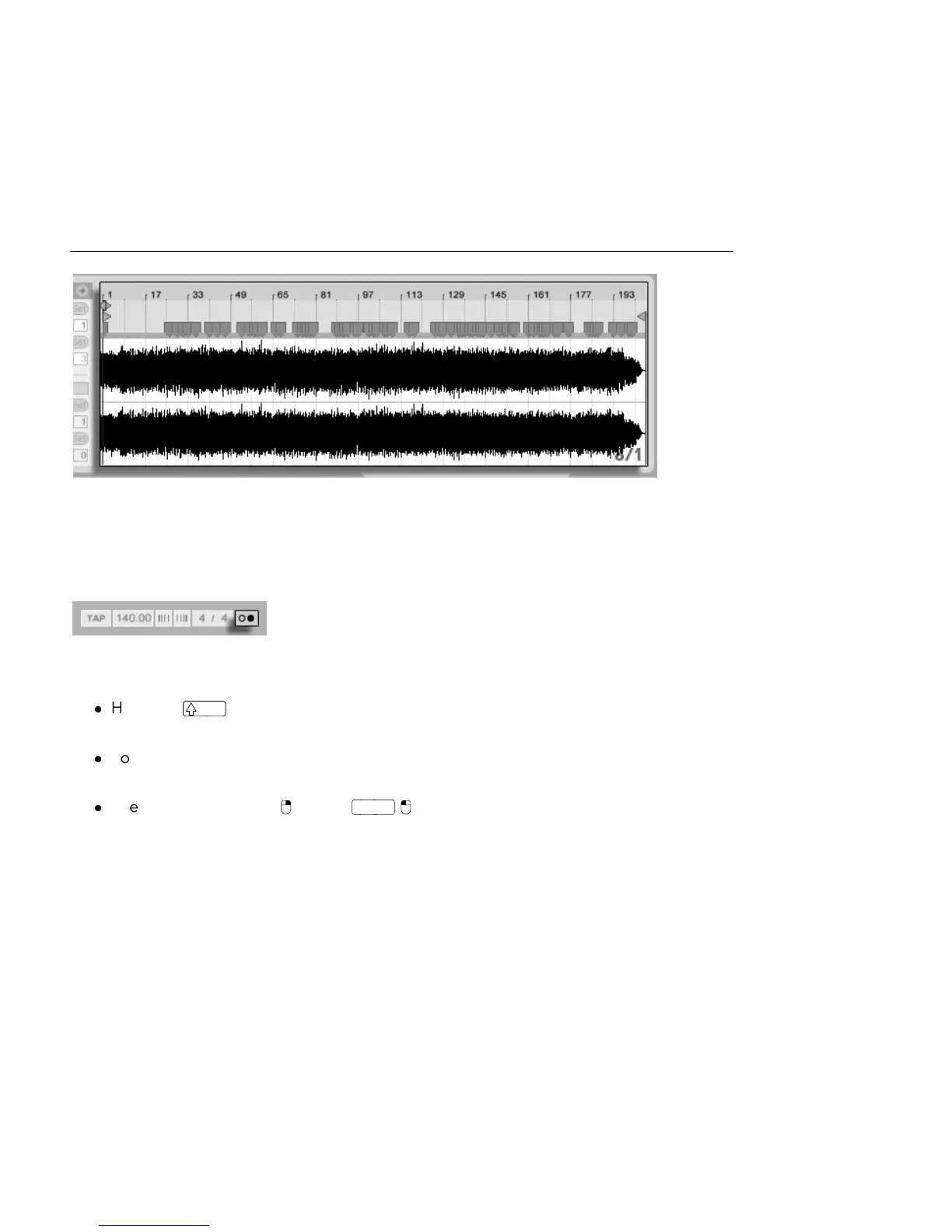
Auto-Warp's Results in
the Clip View.
As long as Auto-Warp made the correct set of informed guesses, the clip will be ready to
play in perfect sync with the Live Set's tempo. However, if Auto-Warp does not quite do
what you want, you can control its results. The remainder of this section will focus on various
ways of guiding Live's auto-warping. Remember that the metronome in the Control Bar will
probably come in handy as you warp longer pieces.
The Metronome Switch.
It might happen that Auto-Warp guesses the tempo correctly but gets the downbeat wrong.
To remedy this, you can do one of the following:
Hold the key while dragging the rst Warp Marker. This will allow you to adjust
the position of the waveform under the Warp Marker.
Zoom in and create a Warp Marker on the downbeat. Then drag it to the beginning
of bar 1 in the timeline;
Use the start marker's (PC) /



 To Next Page