EasyManua.ls Logo

Acelity ACTIV.A.C. - ACTIV.A.C. Therapy Unit Overview; Unit Components and Labels; Patient Mode Home Screen

Acelity ACTIV.A.C.
84 pages
Print Icon
To Next Page IconTo Next Page
To Previous Page IconTo Previous Page
Loading...
PATIENT
6
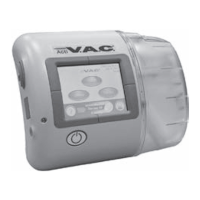
ACTIV.A.C.
TM
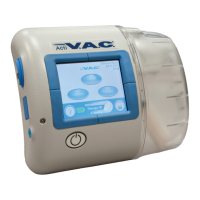
Therapy Unit
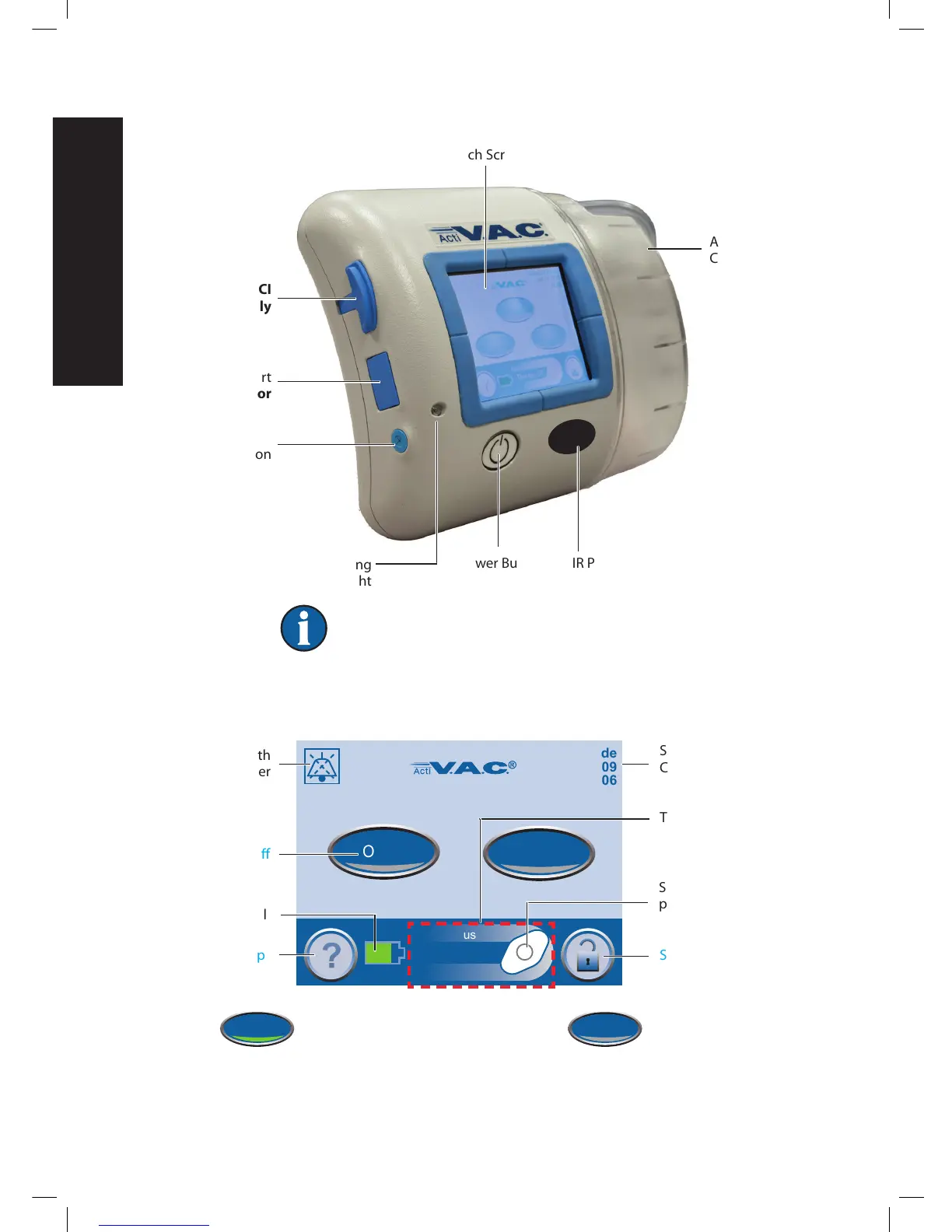
The ports on the therapy unit may have a cover.
Keep all access covers closed during normal use. Open covers only
for data transfer (doctor or nurse only).
Patient Mode Home Screen
Green = Function is on Gray = Function is off
Touch Screen
ACTIV.A.C.
TM
Canister
Power Button IR Port
(May be on some units,
For KCI Use Only)
Battery Charging
Light
Power Connection
(Round Shown)
USB Data Port
(For doctor or
nurse use only)
For KCI
use only
Continuous
Therapy Off
0mmHg
Patient Mode
Jul 19 2009
18:06
58:23
Audio Pause
On/Off
Screen Mode
Current Date
Current Time
Therapy Status
Screen Guard
Spinning Icon = negative
pressure is active
Battery Level
Help
Therapy On / O
Audio Pause with
Countdown Timer

Table of Contents

Related product manuals