50
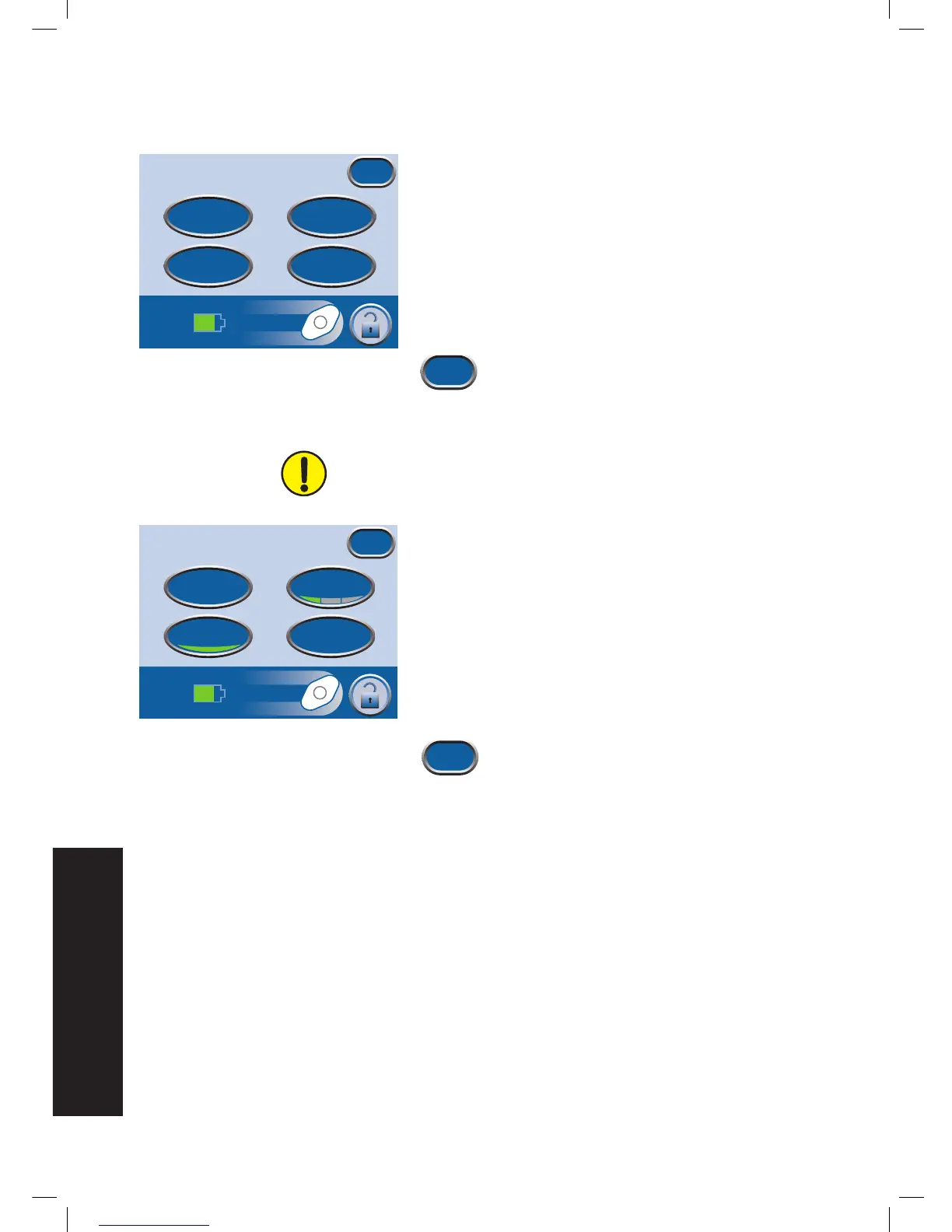
Access Manual Therapy Settings
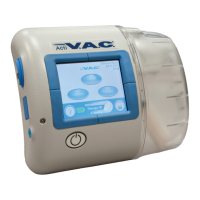
1. From the Clinician Mode
Home
screen, press Therapy,
then Next to access this screen.
2. Select desired option from the
Therapy
screen:
• Settings - Manually set therapy.
• SEAL CHECK™ - Helps to find leaks.
• Settings Guide - Helps select preset therapy settings.
• History - View or export therapy history.
3. Press Exit to return to the Clinician Mode
Home
screen.
Settings
Settings changed manually take immediate effect when therapy is
on.
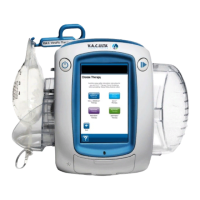
1. From the Clinician Mode
Home
screen, press Therapy,
then Next, then Settings to access this screen.
2. Select desired option from the
Settings
screen:
• Pressue - Change pressure settings.
• Intensity - Change Intensity.
• Continuous - Toggle between Continuous and
Intermittent therapy.
• Intermittent - Set Intermittent therapy times.
3. Press Exit to continue to the
Confirm
screen.
Therapy
Exit
Settings
Seal Check
TM
History
Settings
Guide


 To Next Page