31
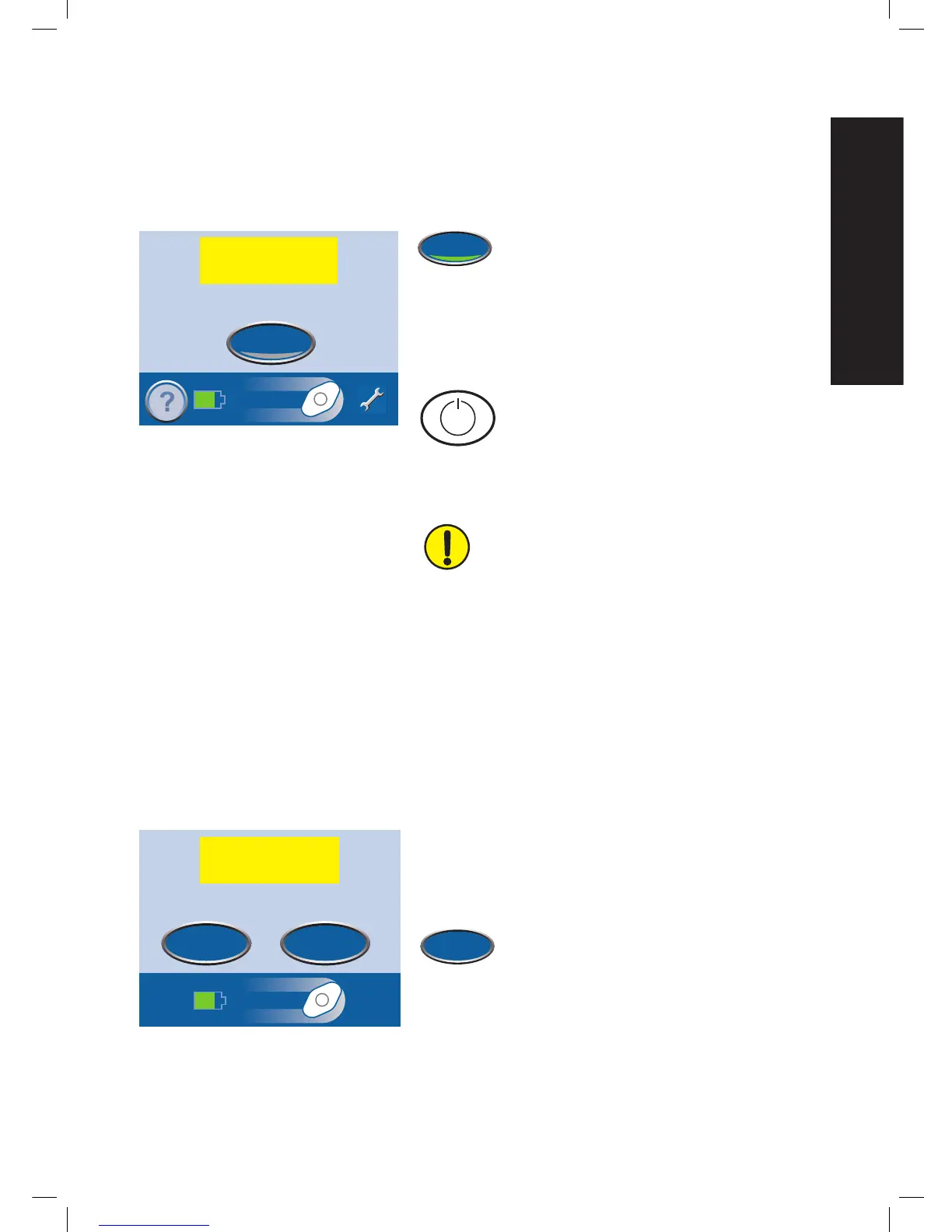
System Error Alarm
Medium Priority Alarm - This alarm screen appears when there is a technical fault within the therapy
unit. A number will appear in the yellow alarm box that represents the error number of the technical
fault. This alarm will be accompanied by a repeating audible tone.
Press Audio Pause to silence the audible tone.
The audible tone will come back on in two
minutes if the alarm condition has not been
fixed.
This alarm is fixed by restarting the therapy unit.
1. Record the error number.
2. Turn the unit off and then on using the
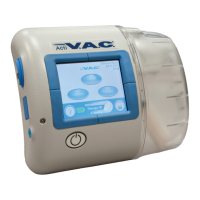
Power button on the front of the unit.
3. If the alarm persists, call KCI. Be sure to give them the
error number.
WARNING: If the therapy unit will be off
for more than two hours, call your doctor
or nurse right away. Without power to the
therapy unit, your dressing will need to be
replaced.
Service Timer Expired Alert
Medium Priority Alarm - This alert screen appears when the therapy unit has reached its service time
limit. When the service time limit has expired, this alert will appear every time the unit is turned on.
Press Continue to go on to the Patient Mode
Home
screen and restart therapy (see Patient Mode
Home Screen and Therapy On or Off sections).
When Days Left reaches zero, this alert will appear during therapy.
This alarm is fixed by entering a new service time code into
the unit.
1. Contact KCI for a new service timer code.
2. Press Enter Code to enter the code into
the therapy unit.
WARNING: Turn therapy unit off then on. If error
continues, contact KCI. Press ‘?’ for more information.
Audio Pause
SYSTEM ERROR 9
Therapy Interrupted


 To Next Page