62
Onscreen Operating Instructions
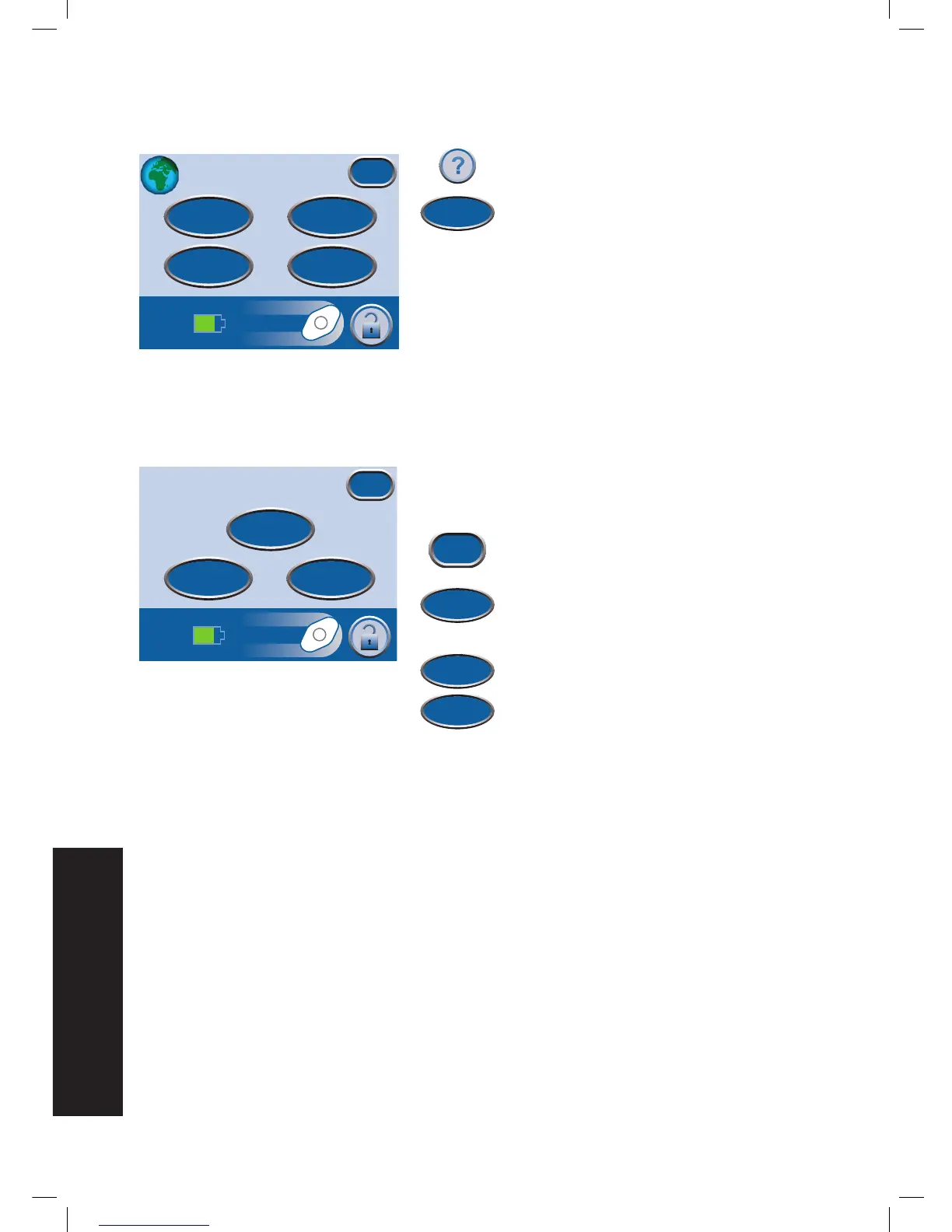
1. Press Help to access the
Help Menu
.
2. Press Operating Instructions to access
the
Operating Instructions
selection
screen and browse the various available
Help
screens.
3. Choose from Operation, Cleaning
instructions and Alarms for alarm
descriptions and suggested resolutions.
4. Press Exit when finished.
Operation - Access basic operating
guidelines.
Cleaning - Access basic cleaning guidelines.
Alarms - Access general information for
pausing or silencing alarms.
Help Menu
About
Patient
Mode
Contact
Information
Operating
Instructions
Exit


 To Next Page