67
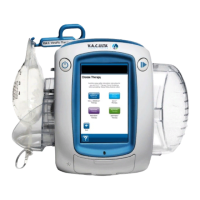
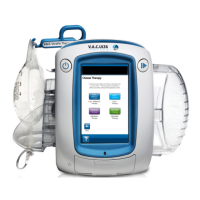
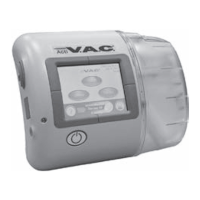
Cleaning the Touch Screen
1. Select Screen Guard on the
Home
screen (see Clinician Mode Home
Screen section) to activate Screen Guard.
Lock button icon will close. The next screen displayed will be the
screen guard screen.
2. Use a soft, non-abrasive cloth to gently clean the touch screen.
Do not use any liquid to clean the touch screen.
Do not use excessive force to clean the touch screen. Pressing
too hard may cause damage.
3. To unlock the touch screen, select 1, then 2 on the
Screen Guard
screen to
return to the
Home
screen.


 To Next Page