48
Common Screen Control Buttons
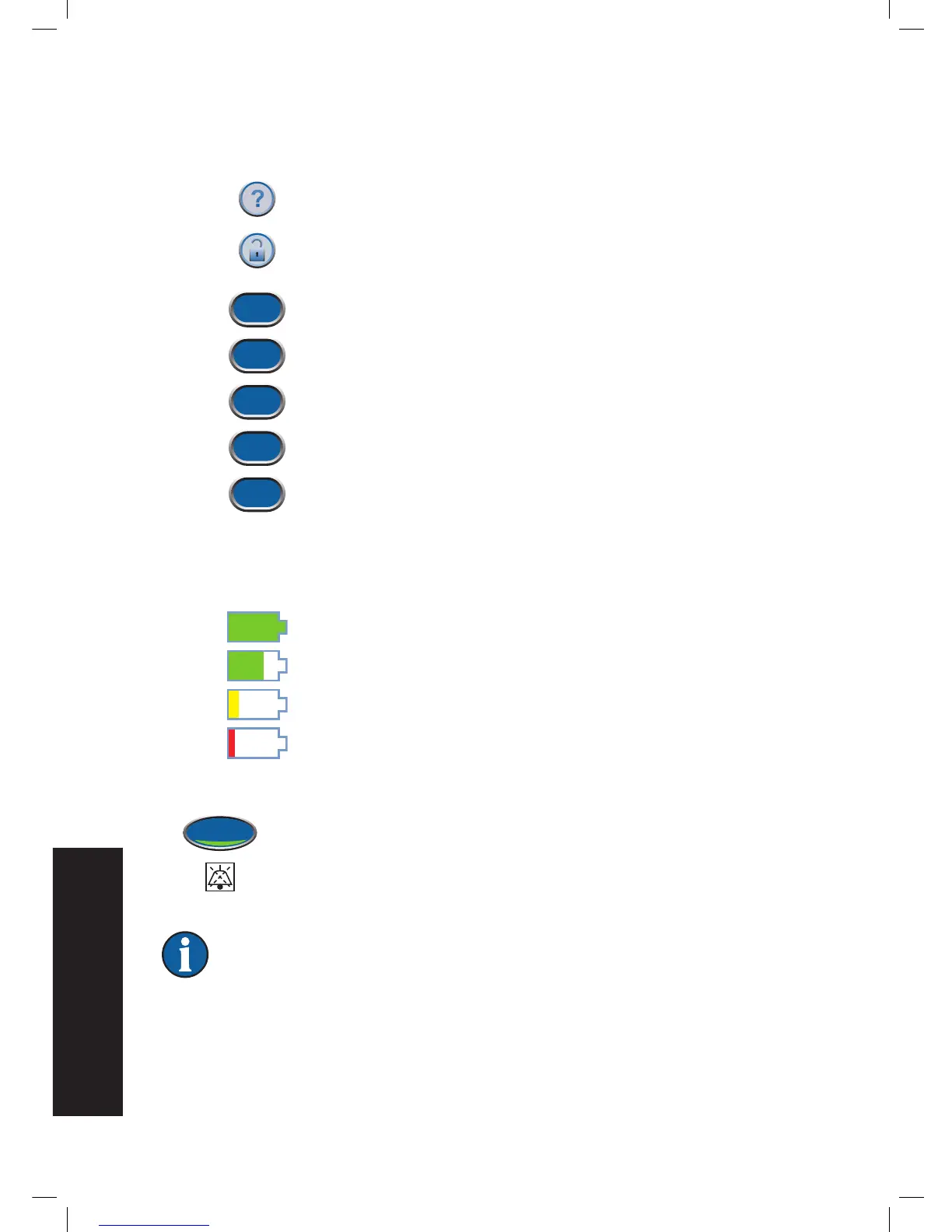
Most screens have one or more common control buttons. These are:
Help - Access
Help
screens
Screen Guard - Turn on Screen Guard to help prevent accidential changes to
the unit settings. Use this feature when cleaning the touch screen. To turn
off Screen Guard, press 1 and then 2.
Exit - Leave the current screen.
Cancel - Stop the action in progress.
Next - Go to the next screen.
Back - Return to the previous screen.
OK - Confirm the selection.
Battery Level
The battery level is shown on the bottom of the touch screen (see Patient Mode Home Screen and
Clinician Home Screen sections).
Fully Charged
In Use
Battery Low. Charge battery soon.
Battery Critical. Charge battery immediately.
Audio Pause
Press Audio Pause to silence the audible tone. The audible tone will come back
on in two minutes if the alert / alarm condition has not been fixed.
The Audio Pause and Countdown Timer will be displayed in the upper left corner
of the screen.
Alarms needing immediate attention override the Audio Pause feature. See the
Alerts and Alarms chapter in the patient section of this manual for details on
alarms and how to resolve them.



 To Next Page