28
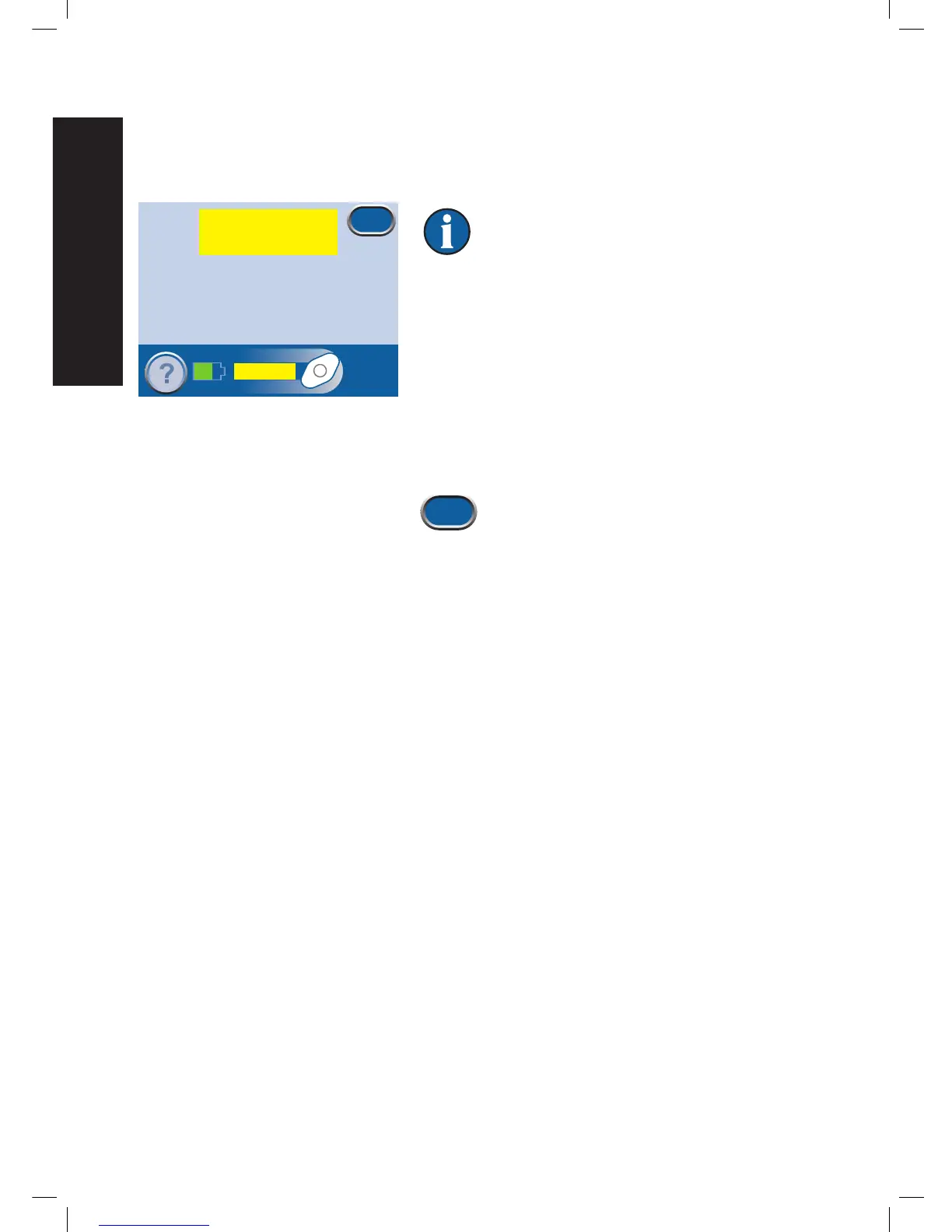
Low Pressure Alert
Low Priority Alert - This alert screen appears when the set therapy pressure is not being reached. It is
indicated by a single audible tone.
Therapy will continue during this alert.
However, therapy may not be at the proper
pressure.
This alert is fixed by checking the tubing.
1. Make sure both clamps on the tubing are open.
2. Make sure that the tubing is not kinked, crimped or
blocked in any way.
3. If the Low Pressure Alert remains after completing steps
1 and 2, lower the therapy unit and tubing to level with
or below the wound site.
4. Press Exit to return to the Patient Mode
Home
screen.
The measured wound pressure is
below the set pressure.
Low Pressure
Exit
Press ‘?’ for more information
Low Pressure
Alert


 To Next Page