47
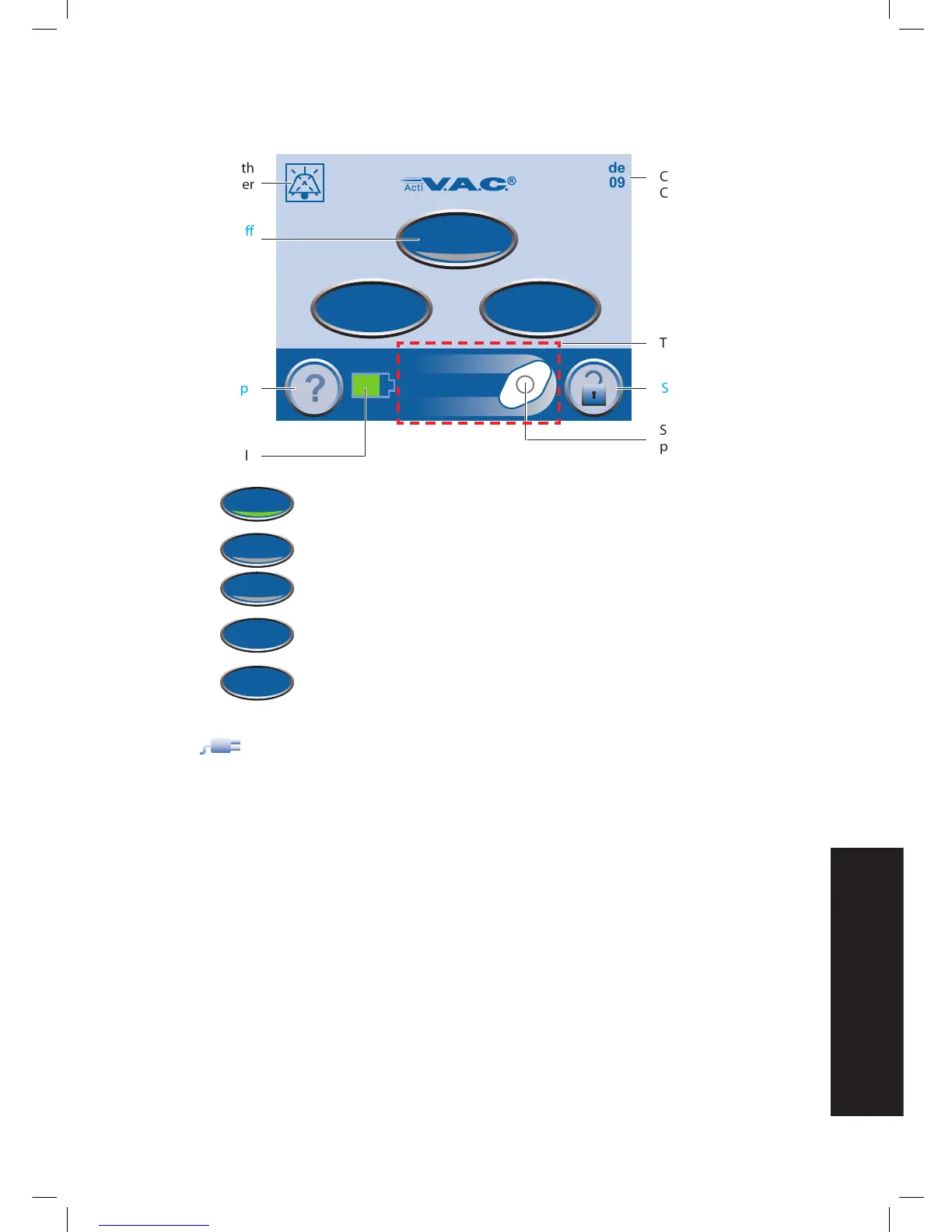
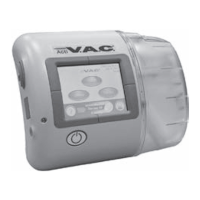
Clinician Mode Home Screen
Green = function is on
Gray = function is off
On / Off - Start or stop V.A.C.® Therapy.
Utilities - Access Region Settings and Time/Date buttons, Screen Brightness
and AC Light buttons.
Therapy - Access Settings, SEAL CHECK™ Leak Detector, Settings Guide, and
History buttons.
The plug icon appears on the touch screen when the unit is plugged in.
Clinician Mode
Jul 19 2009
18:06
Continuous
Therapy Off
0mmHg
On/Off
Utilities
Therapy
58:23
Screen Mode
Current Date
Current Time
Therapy Status
Screen Guard
Spinning Icon = negative
pressure is active
Battery Level
Help
Therapy On / Off
Audio Pause with
Countdown Timer


 To Next Page