49
Operating Instructions
Before starting therapy, ensure that the dressing is in place, the
canister is connected, and all clamps are open.
Power Therapy Unit On or Off
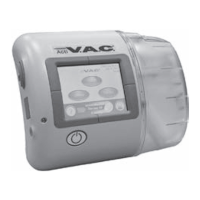
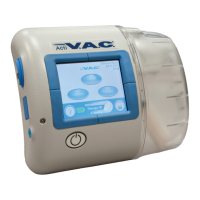
The Power button is located below the touch screen (see Patient Mode Home Screen section).
1. Press and hold the Power button for approximately two seconds to turn
the therapy unit on or off. The therapy unit will go through a self-check
and then display a warning message screen.
2. Press OK to continue to the Clinician Mode
Home
screen.
Therapy On or Off
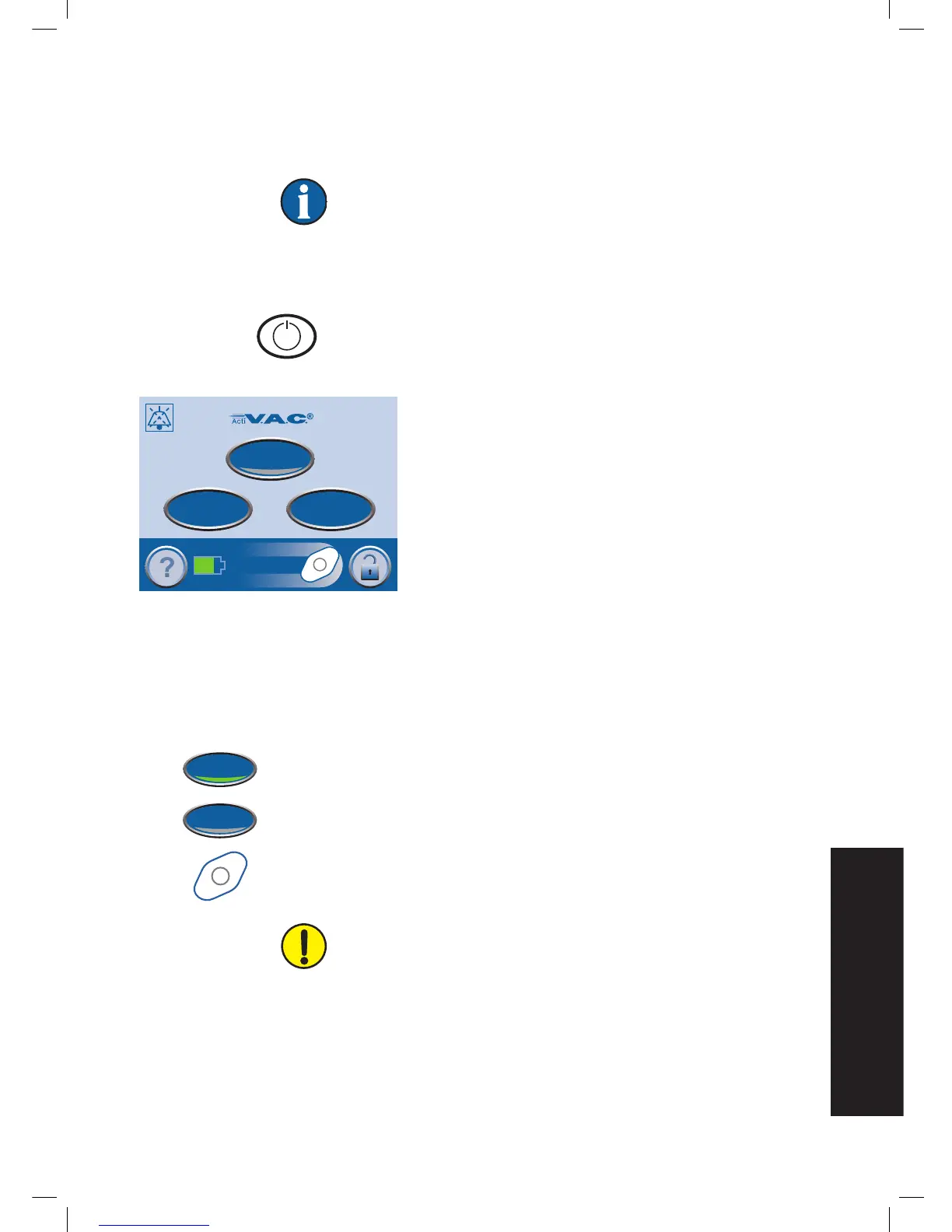
Press On / Off to start or stop V.A.C.® Therapy.
Green = function is on
Gray = function is off
Spinning icon = negative pressure is active
WARNING: According to clinician instructions, replace V.A.C.®
Dressing with alternate dressing if therapy is interrupted or off for
more than two hours.
Clinician Mode
Jul 19 2009
18:06
Continuous
Therapy Off
0mmHg
On/Off
Utilities
Therapy
58:23


 To Next Page