57
Finding the Leak Using the SEAL CHECK™ Leak Detector
1. Ensure the connector between dressing tubing and canister tubing is
properly locked.
2. Ensure the canister is securely installed on the therapy unit. If the canister is
properly installed, it cannot be removed by gently pulling it directly away
from the unit.
3. While therapy is on and using light pressure, move your hand and fingers
slowly around the edges of the drape and SENSAT.R.A.C.
TM
Pad. The bar graph
will lower and the frequency of the audible tone (if Seal Audio is on) will
decrease when the leak is found.
4. Refer to the instructions for use provided with V.A.C.® Dressings for
information on using excess V.A.C.® Drape material to seal the leak area.
5. When finished press Exit to return to the Clinician Mode
Home
screen.
Log Tool
The Log Tool can be used to track:
• the number of foam pieces used during a dressing change.
• canister changes.
Logged information can be viewed and exported from the
Therapy History
screens.
How to Use the Log Tool When Starting Therapy
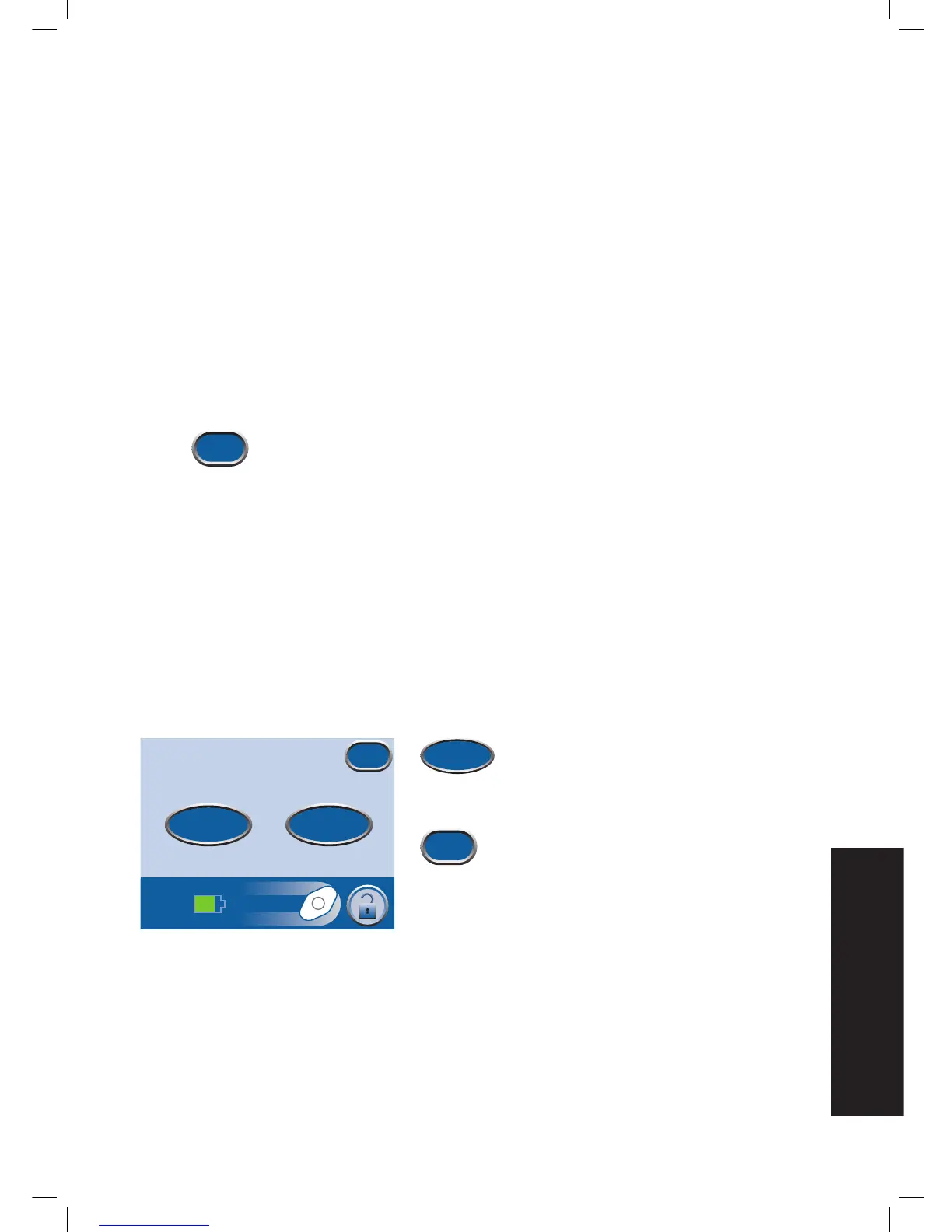
1. Press Log on the
Therapy Start
screen to
access the
Item to Log
screen.
2. Choose Canister or Dressing.
3. Press Exit to return to the Clinician Mode
Home
screen.
Item to Log
For Dressing, also note the No. of foam
pieces in patient chart and on drape.
Exit
Canister Dressing


 To Next Page