58
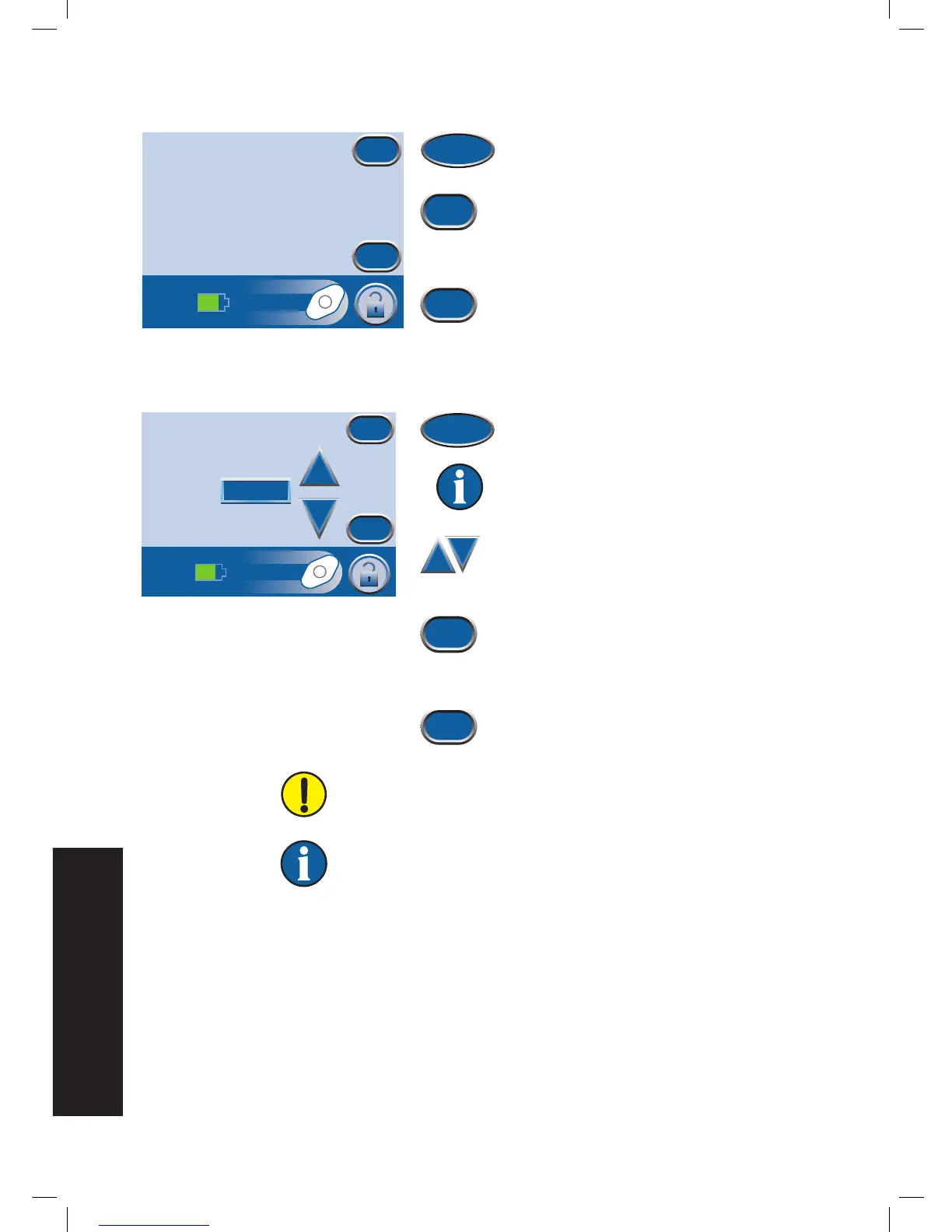
1. Press Canister to access the
Canister
Replaced
screen.
2. Press OK to log that the canister has
been replaced and return to the
Item to
Log
screen. The current time and date
will be recorded.
3. Press Cancel to return to the
Item to Log
screen without logging an entry.
1. Press Dressing to access the
No. Foam
Pieces
screen.
Information displayed represents the last
logged entry.
2. Use + and - to select the number of
foam pieces used during the current
dressing change.
3. Press OK to log the number of foam
pieces used and return to the
Item to
Log
screen. The current time and date
will be recorded.
4. Press Cancel to return to the
Item to Log
screen without logging an entry.
Always count the total number of pieces of foam used in the
wound. Document the foam quantity and dressing change date on
the drape or Foam Quantity Label if available, and in the patient’s
chart.
Logged information will appear in Therapy History as follows:
dd/mm/yy Time Event
12/06/06 15:54 Canister Changed
12/06/06 15:55 Dressing Changed, 4
Numeral after Dressing Changed represents the number of foam pieces recorded
on the above screen.


 To Next Page