20
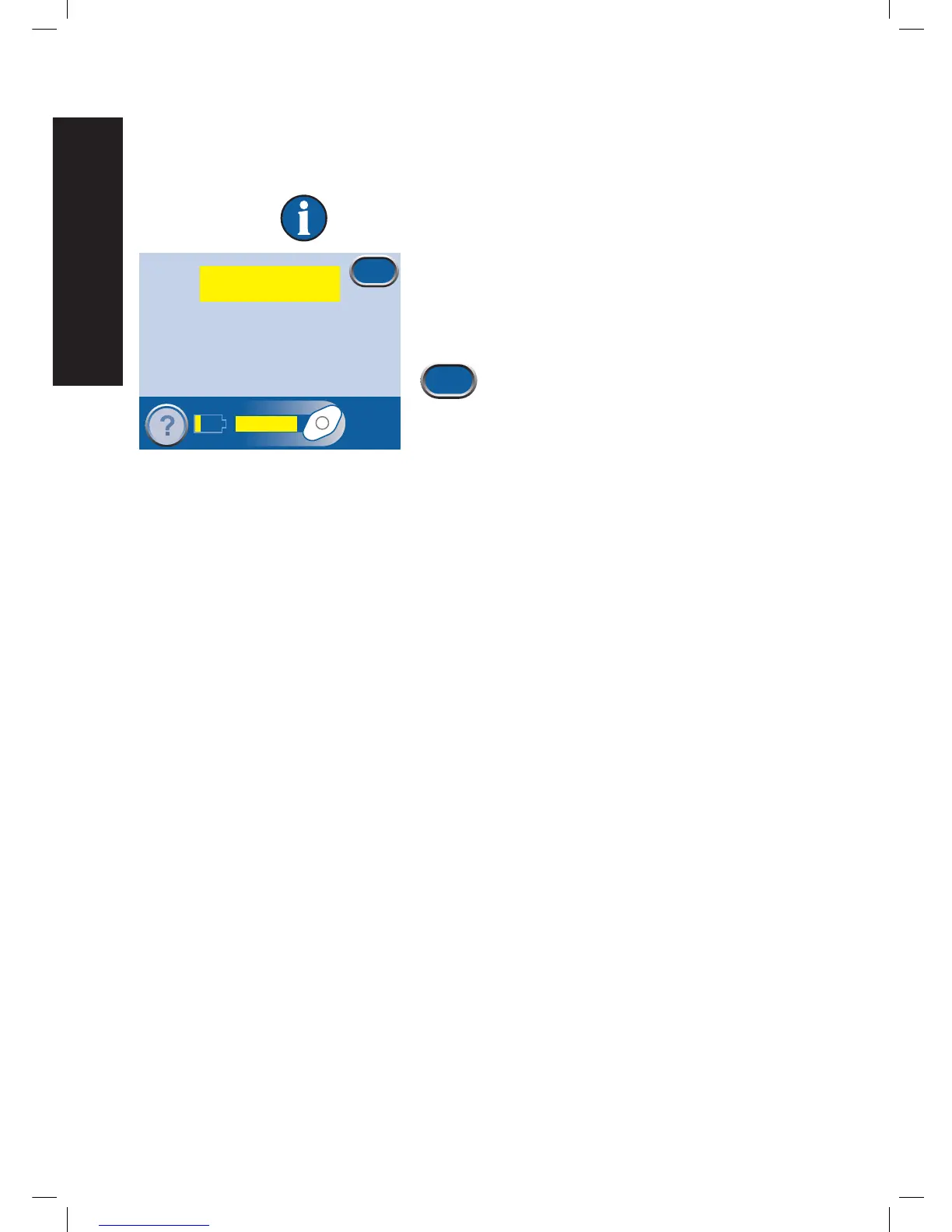
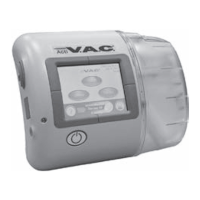
Battery Low Alert
Low Priority Alert - This alert screen appears about two hours before the battery power runs out. It is
indicated by a single audible tone.
Therapy will continue during this alert.
This alert is fixed by recharging the battery.
1. Connect the therapy unit to a wall outlet using the
power supply. Refer to the Battery Charging
Instructions section for more information.
2. Press Exit to return to the Patient Mode
Home
screen.
Battery low; charging required
Exit
Continuous
Battery Low
0mmHg
Battery Low Alert


 To Next Page