Setup Utility
82 User’s Guide
Main
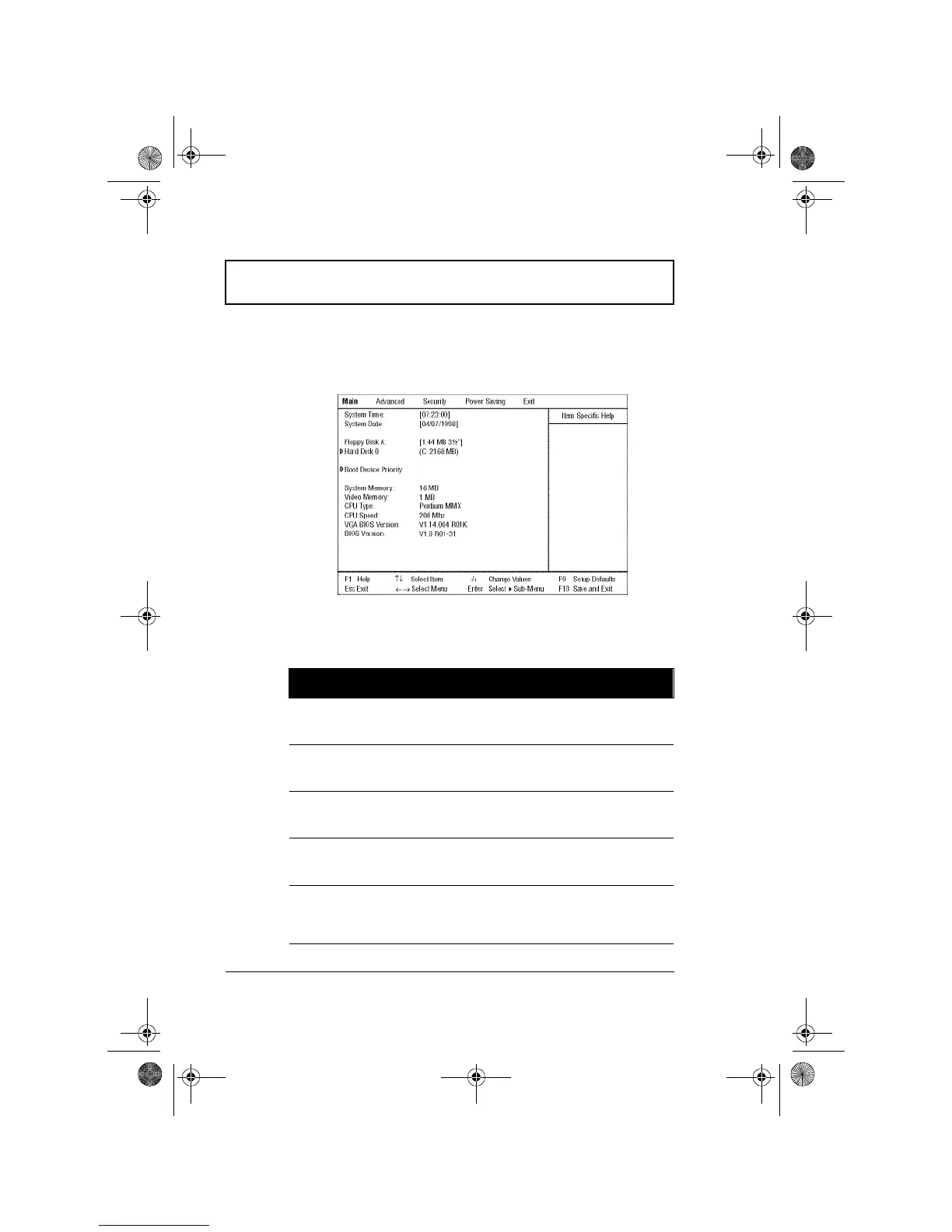
The Main screen contains parameters involving basic
computer settings and hardware information.
The following table describes the parameters in this screen.
Settings in boldface are the default and suggested
parameter settings.
Parameter Description
System
Time
Sets the system time.
Format: HH:MM:SS (hour:minute:second)
System
Date
Sets the system date.
Format: DD/MM/YYYY (day/month/year)
Floppy Disk
A
Selects the floppy disk drive type.
Options: 1.44 MB, 3½” or Disabled.
Hard Disk 0 Shows the hard disk size.
Press Enter to access the Hard Disk 0 submenu.
Boot
Device
Priority
Press Enter to access the Boot Device Priority
submenu.
310-e.book Page 82 Tuesday, October 27, 1998 5:17 PM














 To Next Page