Battery Pack
34 User’s Guide
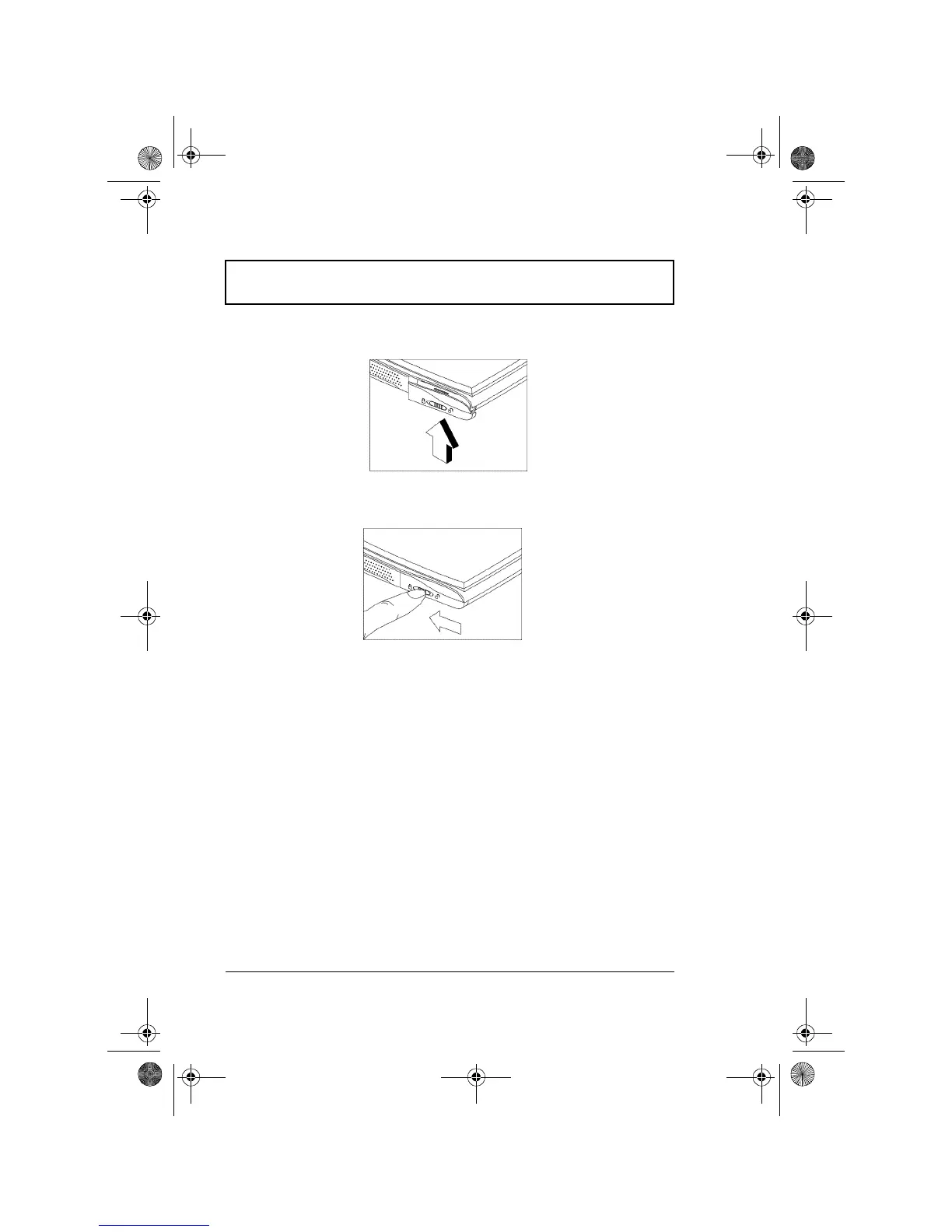
3. Insert the battery into the computer.
4. Push the cover upward and then lock the cover.
To remove the battery pack, unlock the cover latch and
then slide down the battery compartment cover; pull out the
battery pack.
Charging the Battery
To charge the battery, place the battery pack inside the
battery compartment and plug the AC adapter into the
computer and an electrical outlet.
Charging Modes
The adapter has three charging modes:
❑ Rapid mode
The computer uses rapid charging when power is turned
off and a powered AC adapter is connected to it. In rapid
310-e.book Page 34 Tuesday, October 27, 1998 5:17 PM














 To Next Page