External Pointing Device
50 User’s Guide
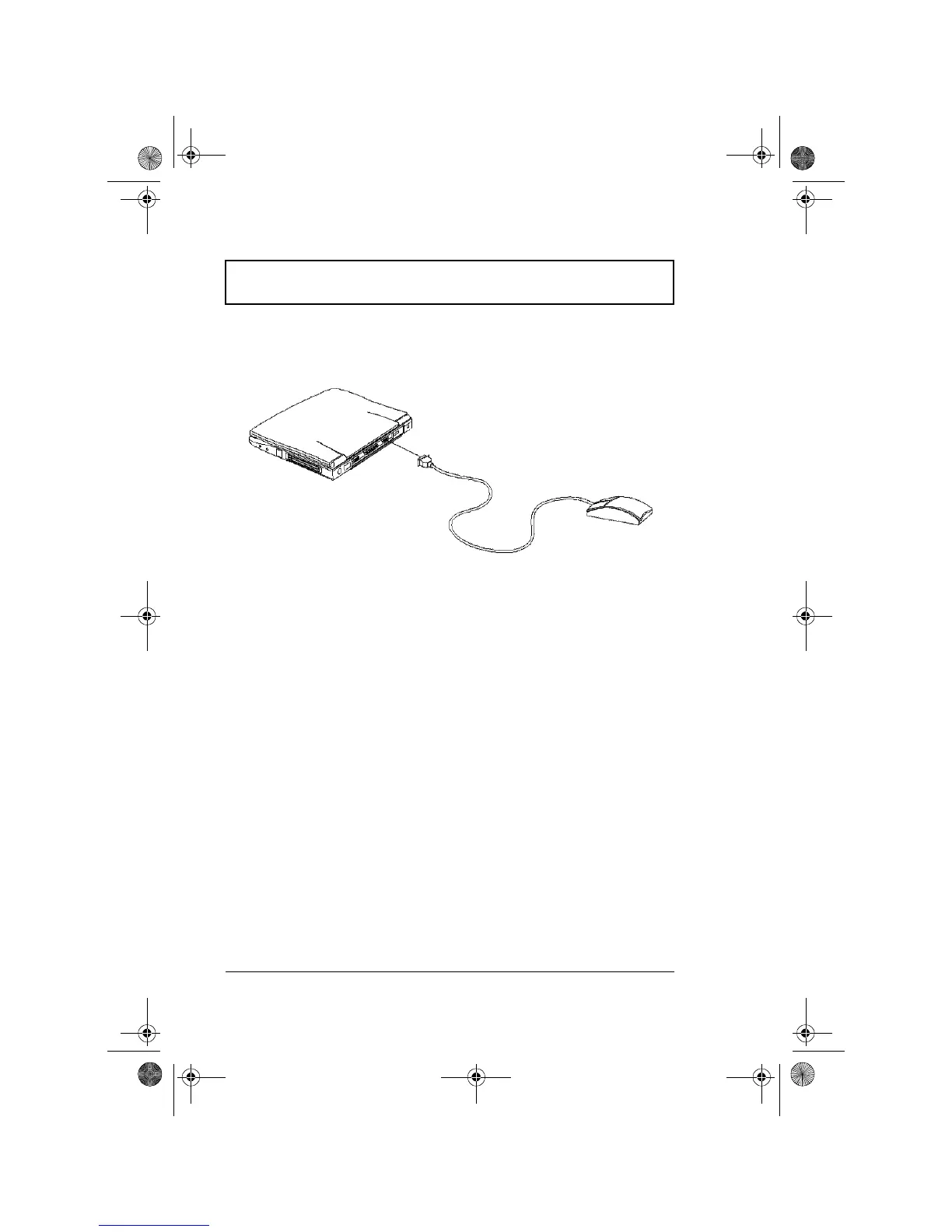
External Serial Mouse
If you use a serial mouse, plug it into the serial port.
To enable the serial mouse, use the Add New Hardware tool
in the Windows Control Panel.
310-e.book Page 50 Tuesday, October 27, 1998 5:17 PM














 To Next Page