Setup Utility
84 User’s Guide
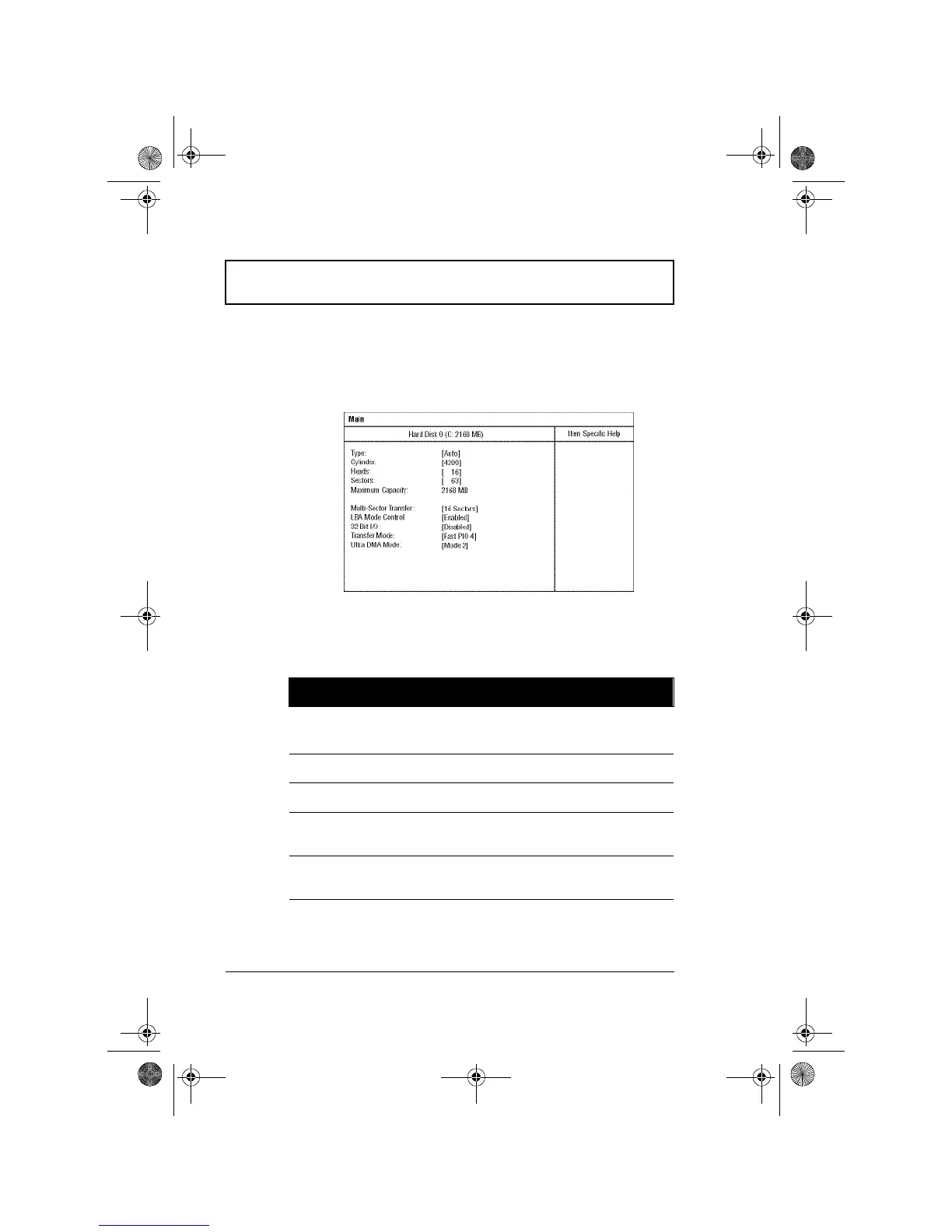
Hard Disk 0 Submenu
The hard disk 0 submenu allows you to set parameters
related to your hard disk. Press Enter to access this
submenu.
The following table describes the parameters in this screen.
Settings in boldface are the default and suggested
parameter settings.
Parameter Description
Type Sets the hard disk type.
Options: Auto, User or None
Cylinders Shows the number of cylinders of the hard disk.
Heads Shows the number of heads of the hard disk.
Sectors Shows the number of sectors per track of the
hard disk.
Maximum
Capacity
Shows the maximum capacity of the hard disk.
310-e.book Page 84 Tuesday, October 27, 1998 5:17 PM














 To Next Page