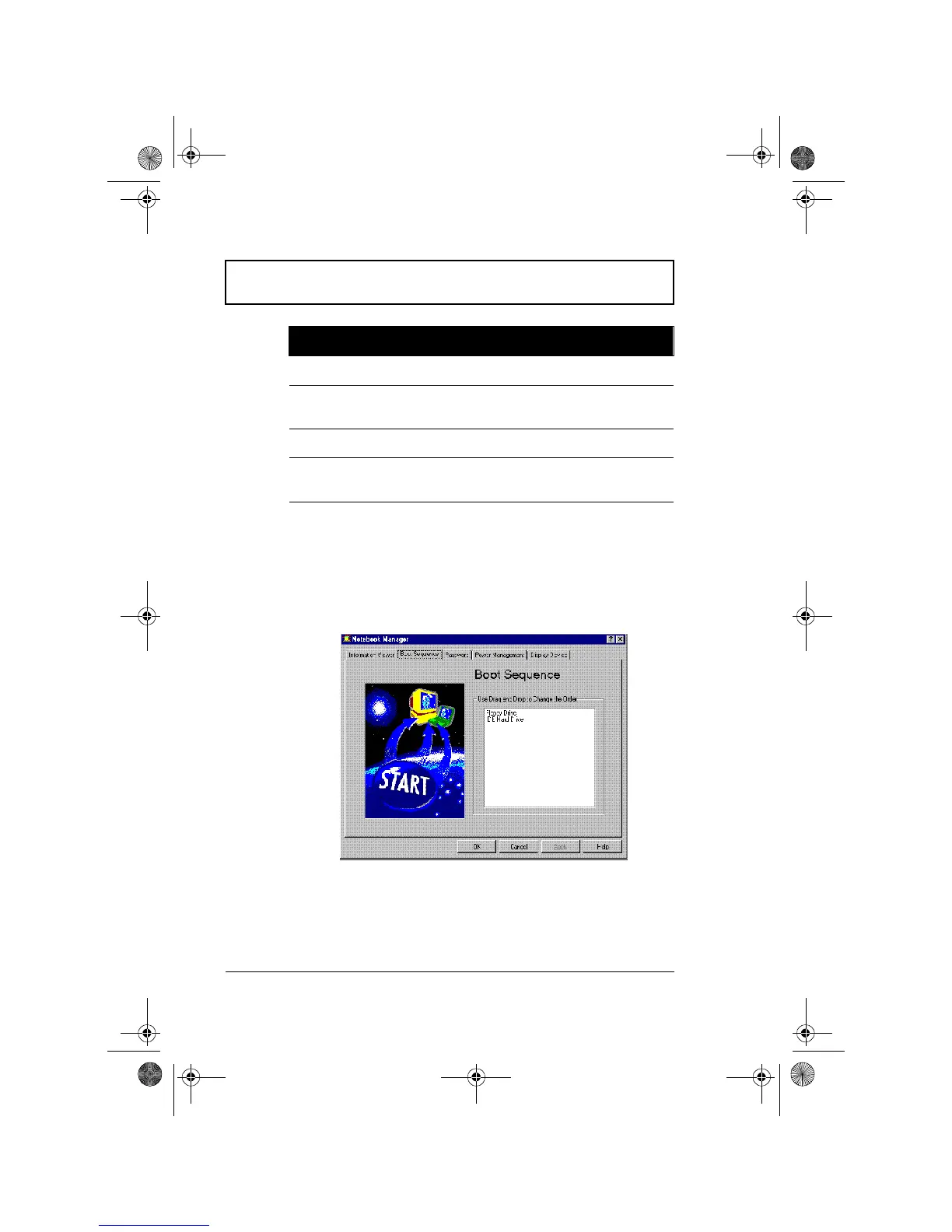
Notebook Manager
74 User’s Guide
The current version of the computer’s BIOS is shown above
the Device-Configuration table.
Boot Sequence
Boot Sequence defines the boot sequence to follow when
your computer boots up.
The Boot Sequence screen displays the bootable devices in
your computer and the order in which the booting sequence
will occur. The devices include the following:
❑ Floppy Drive
Parallel Port Resource settings of the parallel port
External
Cache
Total amount of external cache memory (in
kilobytes)
Touchpad Setting of the internal pointing device
Pointing
Device
Type(s) of the pointing device(s) detected,
internal and external
Item Description
310-e.book Page 74 Tuesday, October 27, 1998 5:17 PM














 To Next Page