Setup Utility
Chapter 5 Software 85
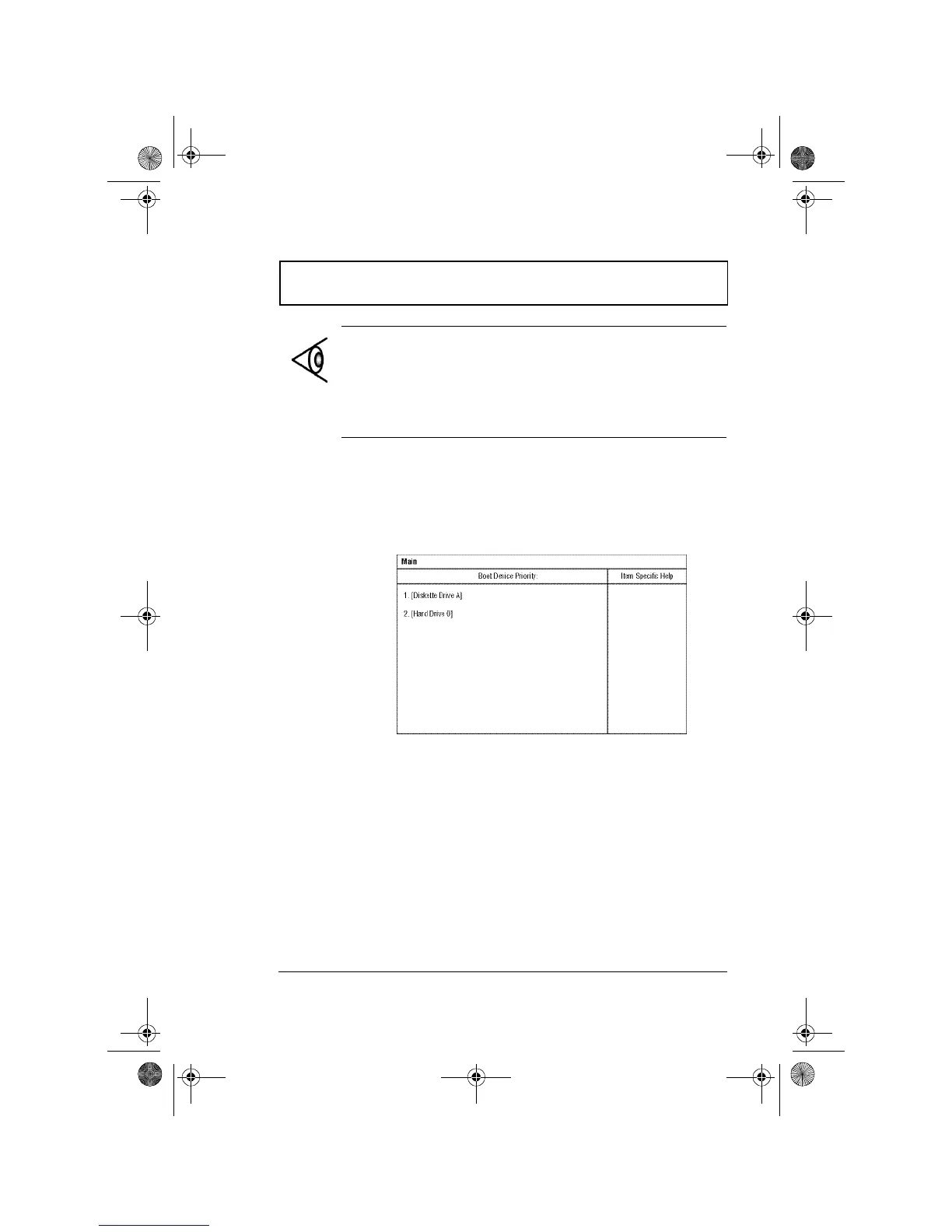
Boot Device Priority Submenu
The Boot Device Priority submenu allows you to set the boot
sequence of the bootable devices in your computer. Press
Enter to access this submenu.
The computer boots-up using the sequence specified in this
submenu. To set the boot device priority, use the plus/
minus +- keys.
Note: The values for Cylinder, Heads, Sectors/Track and
Maximum Capacity are automatically set when the hard
disk type is set to Auto. We suggest you set the hard disk
type to [Auto] for hassle-free and correct hard disk
detection. The computer’s BIOS automatically sets the
parameters in this screen to their optimal values.
310-e.book Page 85 Tuesday, October 27, 1998 5:17 PM














 To Next Page