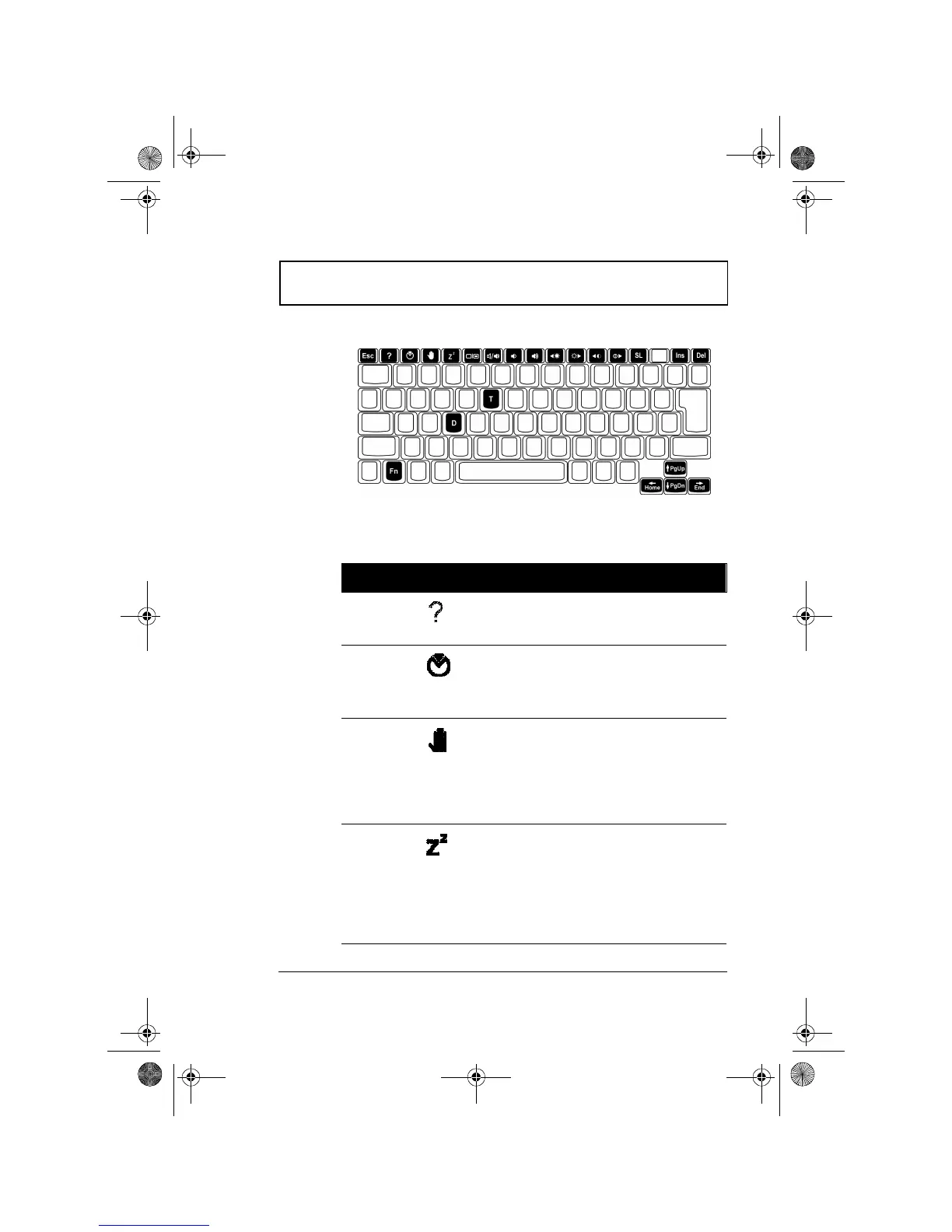
Keyboard
Chapter 1 Getting Familiar with your Computer 11
Hot Keys
The computer employs hot keys or key combinations to
access most of the computer’s controls like screen contrast
and brightness, volume output and the BIOS setup utility.
Hot Key Icon Function Description
Fn-F1 Help Displays a list of the hotkeys
and their functions.
Fn-F2 Notebook
Manager
Access the notebook
configuration utility. See
“Notebook Manager” on
page 72.
Fn-F3 Standby Puts the computer in
Standby mode. Press any
key to return.
See “Standby mode” on
page 40 to know more
about Standby mode.
Fn-F4 Hibernation Puts the computer in
Hibernation mode (Save to
Disk). Press the power
switch to resume.
See “Hibernation mode”
on page 41 to know more
about Hibernation mode
310-e.book Page 11 Tuesday, October 27, 1998 5:17 PM














 To Next Page