Keyboard
12 User’s Guide
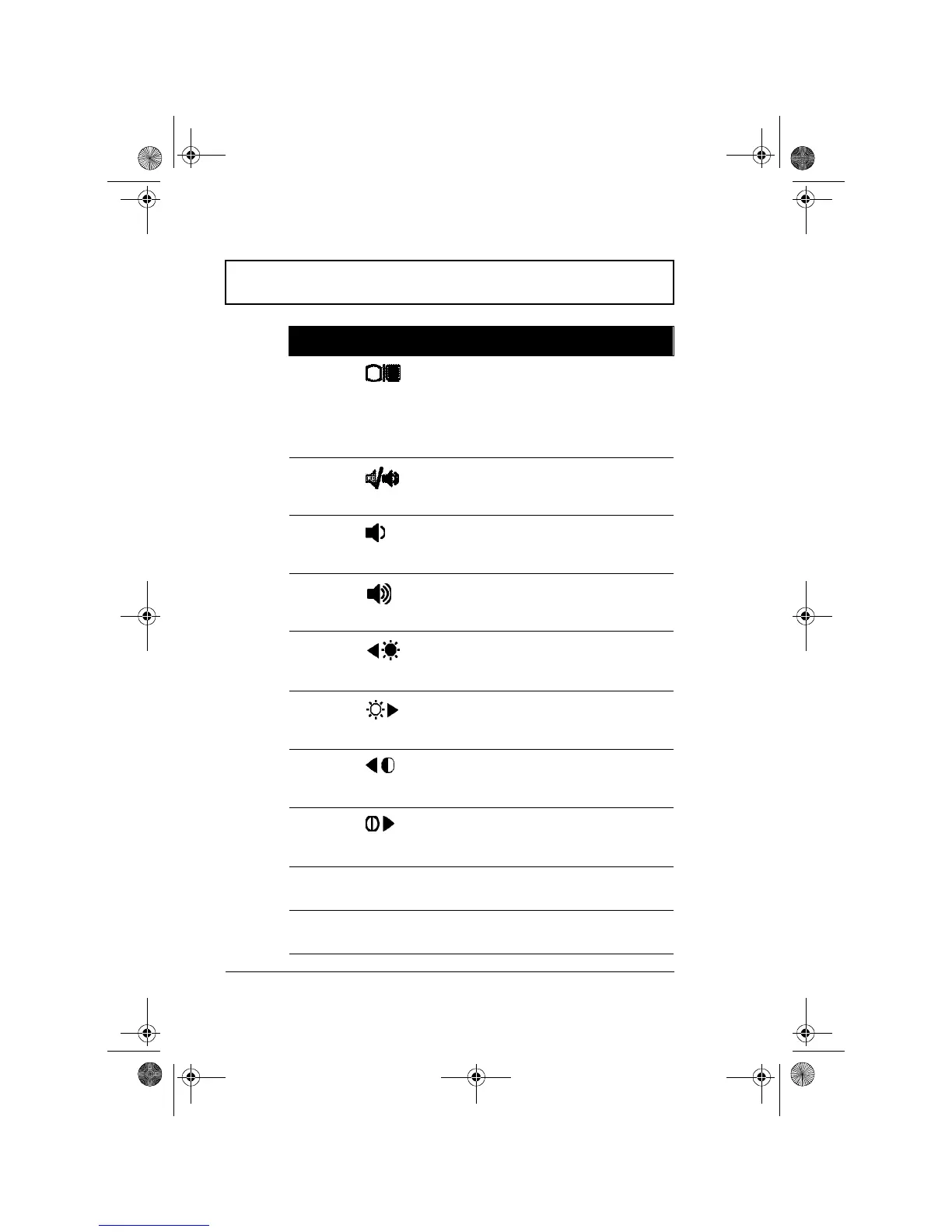
Fn-F5 Display
toggle
Switches display output
between the display
screen, external monitor (if
connected) and both the
display screen and
external monitor.
Fn-F6 Speaker on/
off
Turns the speaker on and
off; mutes the sound.
Fn-F7 Speaker
volume
down
Decreases the speaker’s
volume level.
Fn-F8 Speaker
volume up
Increases the speaker’s
volume level.
Fn-F
9 Brightness
down
Decreases the screen
brightness.
Fn-F10 Brightness up Increases the screen
brightness.
Fn-F11 Contrast
down
Decreases the screen
contrast (available only for
models with STN displays).
Fn-F12 Contrast up Increases the screen
contrast (available only for
models with STN displays).
Fn-
↑ PgUp Page Up Scrolls the screen one
page up.
Fn-
↓ PgDn Page Down Scrolls the screen one
page down.
Hot Key Icon Function Description
310-e.book Page 12 Tuesday, October 27, 1998 5:17 PM














 To Next Page