Setup Utility
Chapter 5 Software 93
Exit
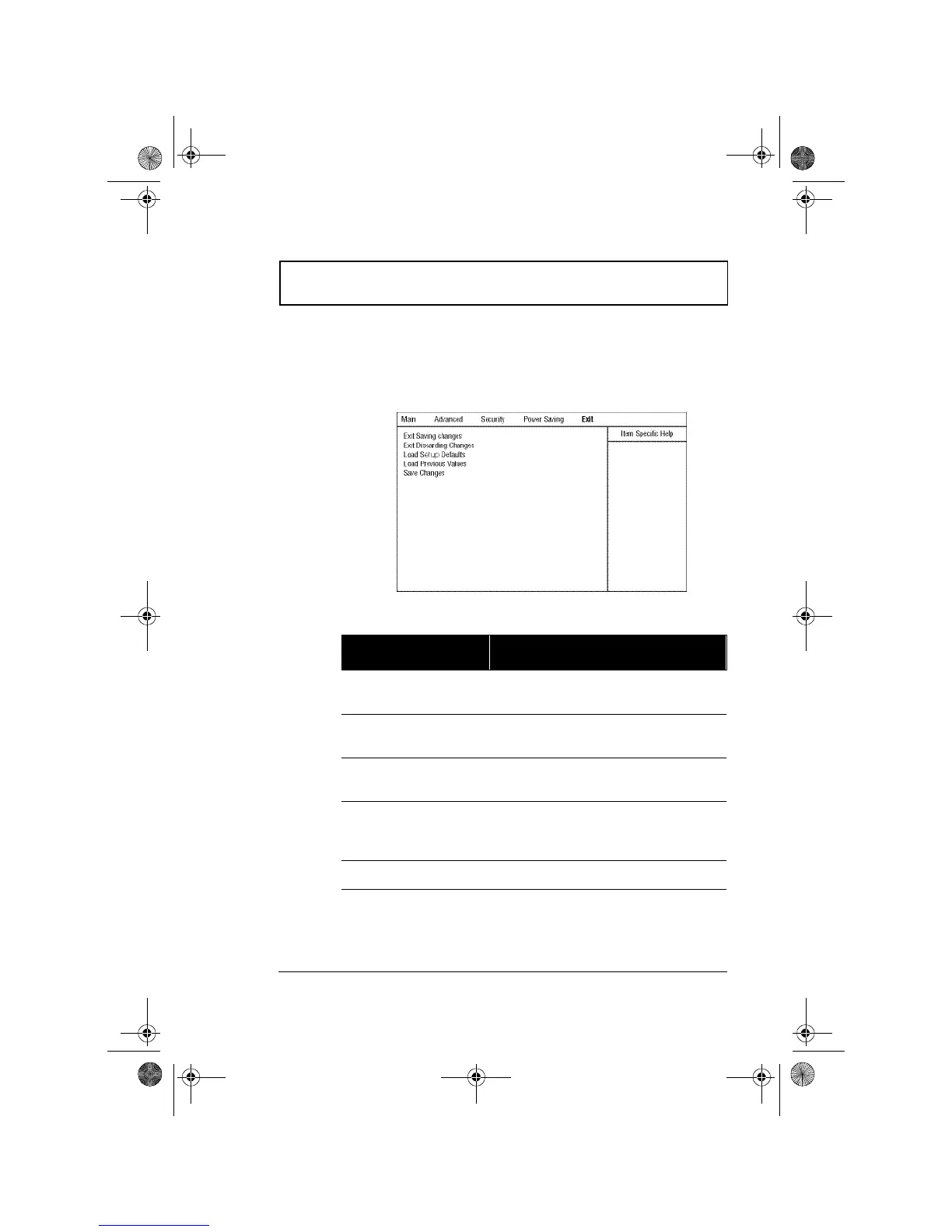
When you select the Exit menu or press Esc from any
screen, the Exit options screen displays.
The following table describes the parameters in this screen.
Parameter Description
Exit Saving Changes Saves any changes made, exits the
Setup utility and reboots.
Exit Discarding
Changes
Discards any changes made, exits the
Setup utility and reboots.
Load Setup Defaults Resets all parameters to their factory-
default values.
Load Previous Values Disregards any changes made in the
current session and reloads their
previous values.
Save Changes Saves any changes made.
310-e.book Page 93 Tuesday, October 27, 1998 5:17 PM














 To Next Page