Miscellaneous Options
Chapter 3 Peripherals and Options 57
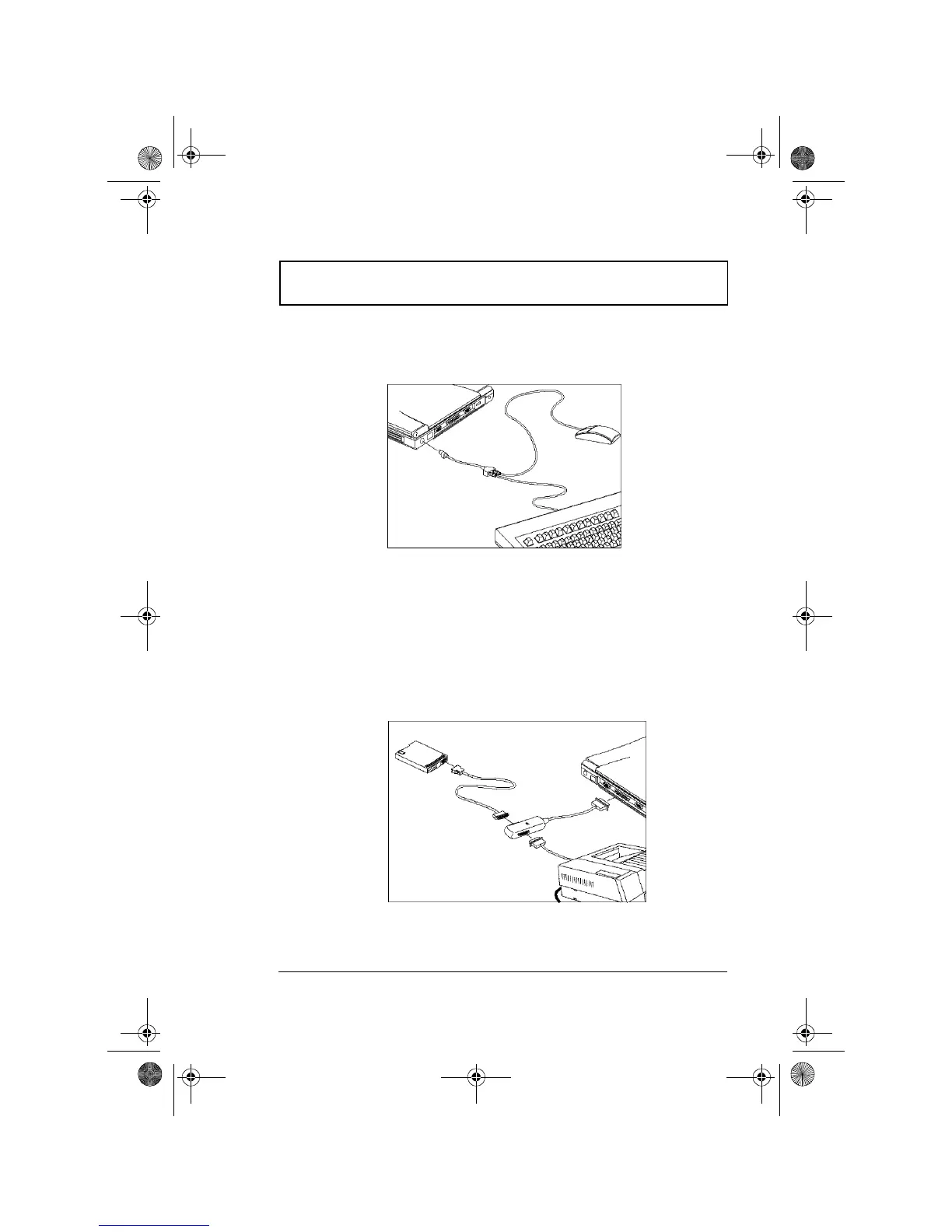
Connect the single connector end of the Y-bridge cable to
the computer’s PS/2 port and the double connector ends to
the two PS/2 devices.
Parallel Cable
The Parallel cable allows you to connect a printer and an
external floppy drive to your computer simultaneously.
However, you can only use one device at a time.
Connect the single connector end of the parallel cable to the
computer’s parallel port and the double connector ends to
the two devices.
310-e.book Page 57 Tuesday, October 27, 1998 5:17 PM














 To Next Page