Audio
26 User’s Guide
Audio
The standard computer configuration includes 16-bit high-
fidelity stereo audio with further enhancements that
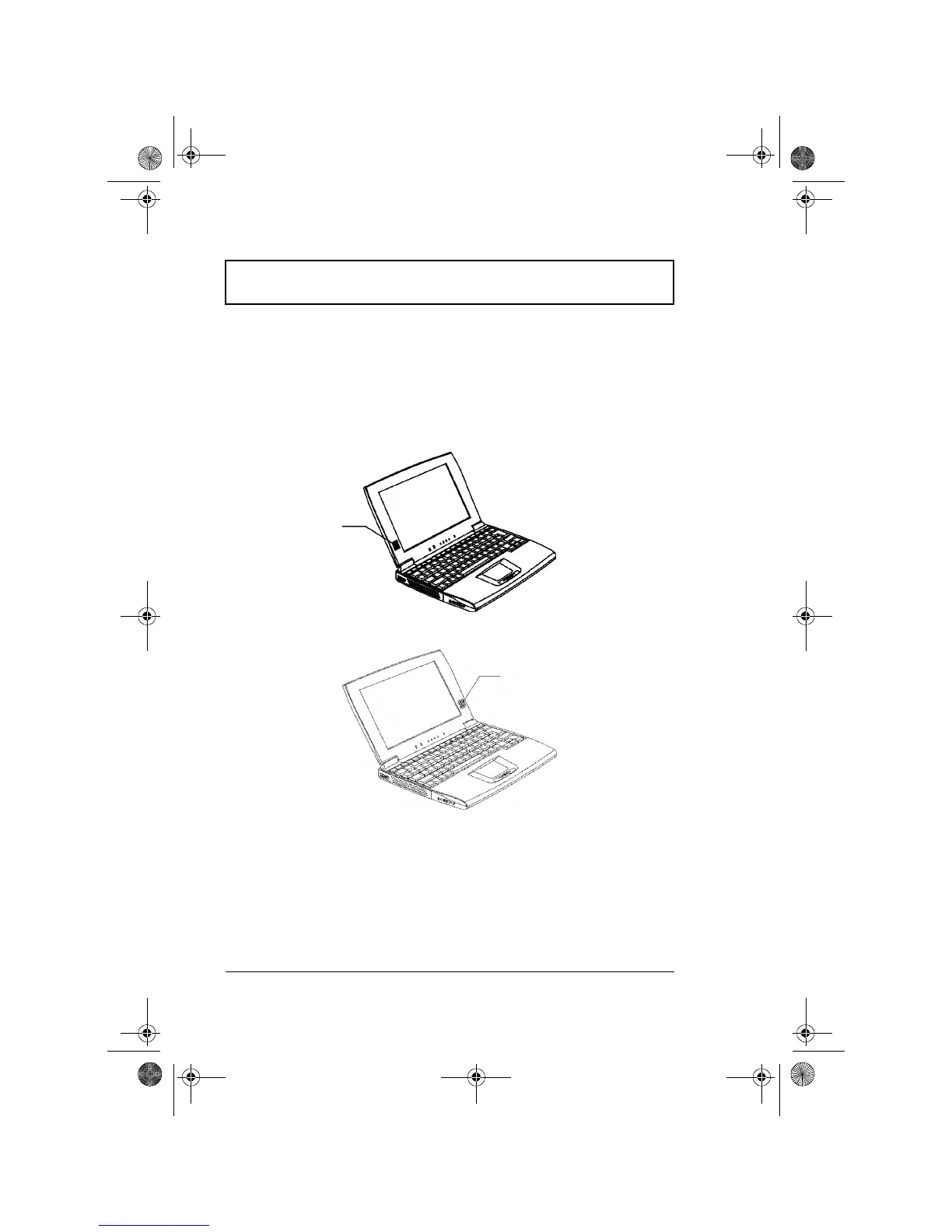
include 3D sound for true audio immersion. The speaker,
positioned beside the display, directs sound towards you
which allows for excellent sound output.
Besides the built-in speaker, there is an audio port on the
right panel of the computer. See “Audio Devices” on page
52 for more information on connecting external audio
devices.
Speaker
Speaker
For TFT Display Type Model
For STN Display Type Model
310-e.book Page 26 Tuesday, October 27, 1998 5:17 PM














 To Next Page