Storage
18 User’s Guide
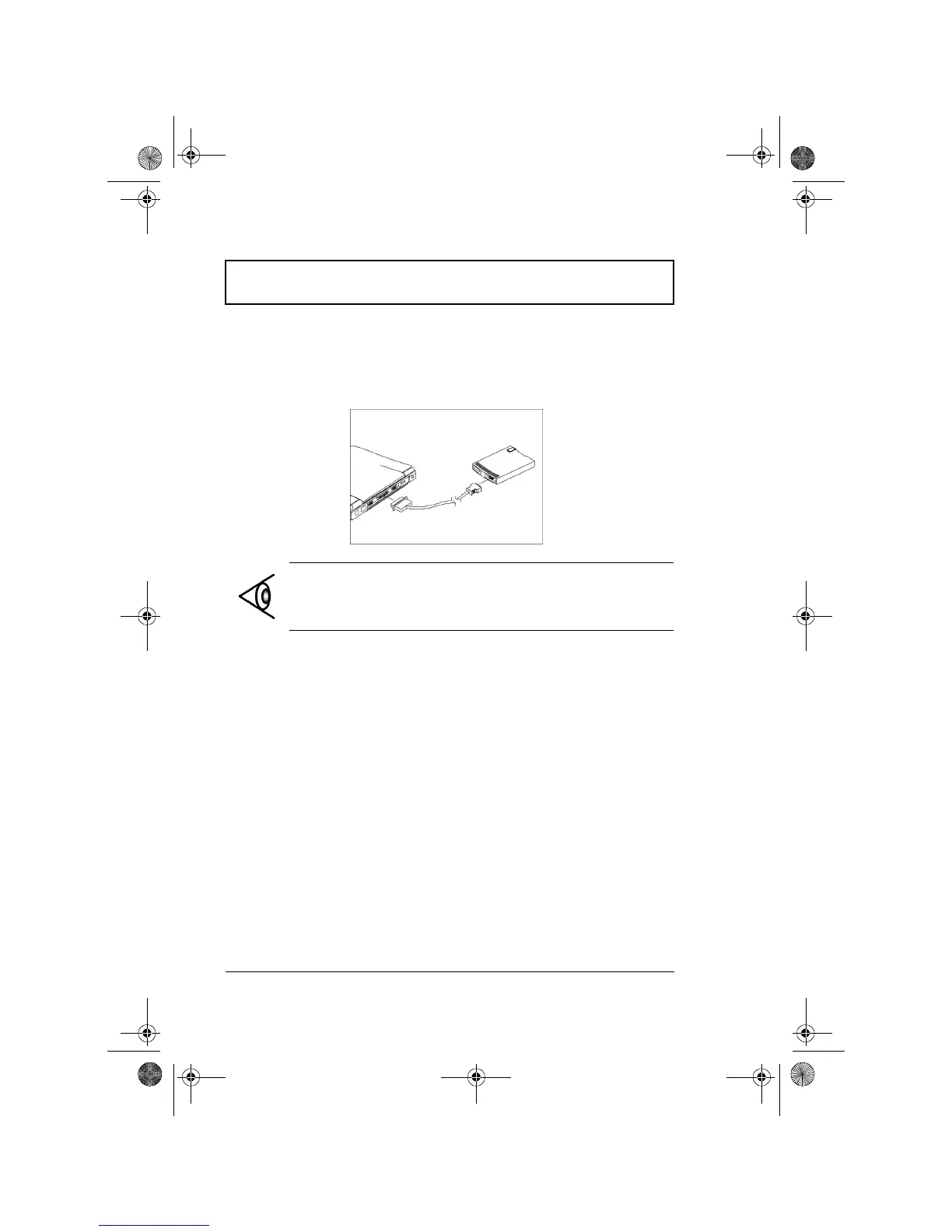
Connecting an External Floppy Drive
Connect the larger end of the floppy drive cable to the
parallel port and the other end to the connector on the
external floppy drive.
Note: The external floppy drive is hot-pluggable. You do
not need to turn off the computer to connect and use the
floppy drive.
310-e.book Page 18 Tuesday, October 27, 1998 5:17 PM














 To Next Page