Setup Utility
88 User’s Guide
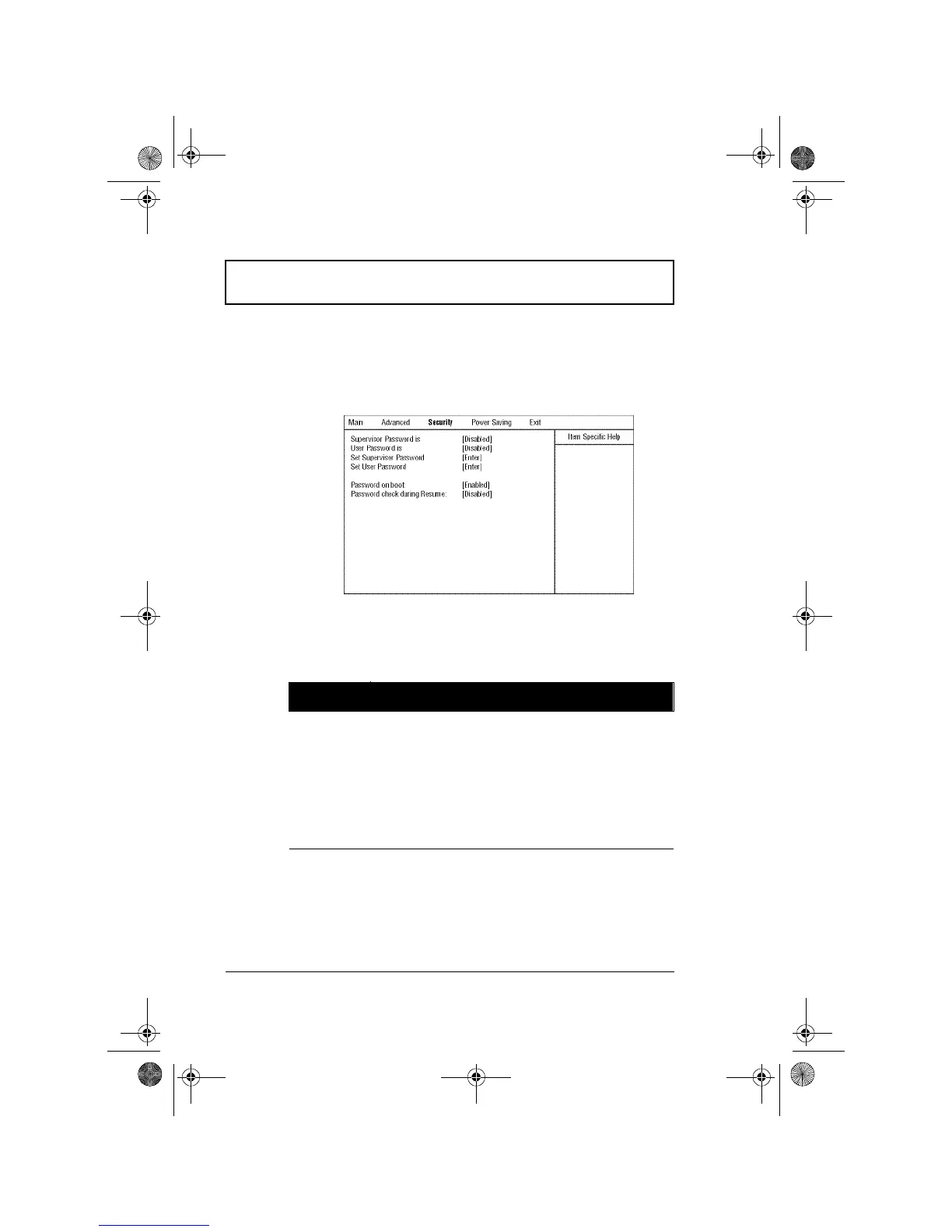
Security
The Security screen contains parameters that help
safeguard and protect your computer from unauthorized
use.
The following table describes the parameters in this screen.
Settings in boldface are the default and suggested
parameter settings.
Parameter Description
Supervisor
Password is
When set, this password protects the computer
and this Setup Utility from unauthorized entry. It
also protects certain parameters in the Setup
Utility.
When Password on boot and/or Password check
during Resume is enabled, you need to enter this
password to continue operation.
Options: Disabled or Enabled
310-e.book Page 88 Tuesday, October 27, 1998 5:17 PM














 To Next Page