Setup Utility
Chapter 5 Software 91
5. Press Save Change & Exit to save the password and
exit the Setup Utility.
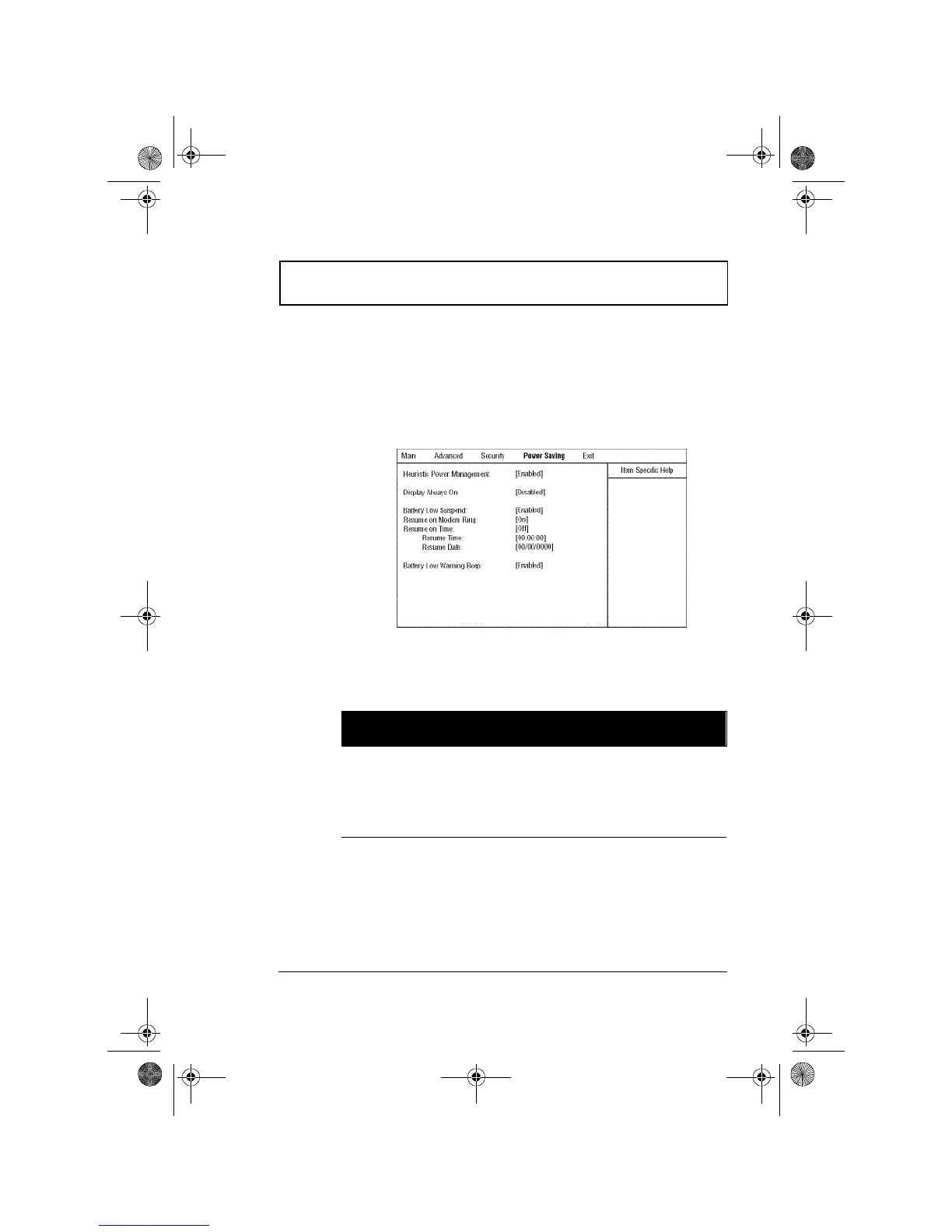
Power Saving
The Power Saving screen contains parameters that are
related to power-saving and power management.
The following table describes the parameters in this screen.
Settings in boldface are the default and suggested
parameter settings.
Parameter Description
Heuristic Power
Management
Enables or disables power management
based on timeout settings in this screen. See
“Power Management” on page 39 for more
information on power management modes.
Options: Enabled or Disabled
310-e.book Page 91 Tuesday, October 27, 1998 5:17 PM














 To Next Page