Battery Pack
Chapter 2 Operating on Battery Power 33
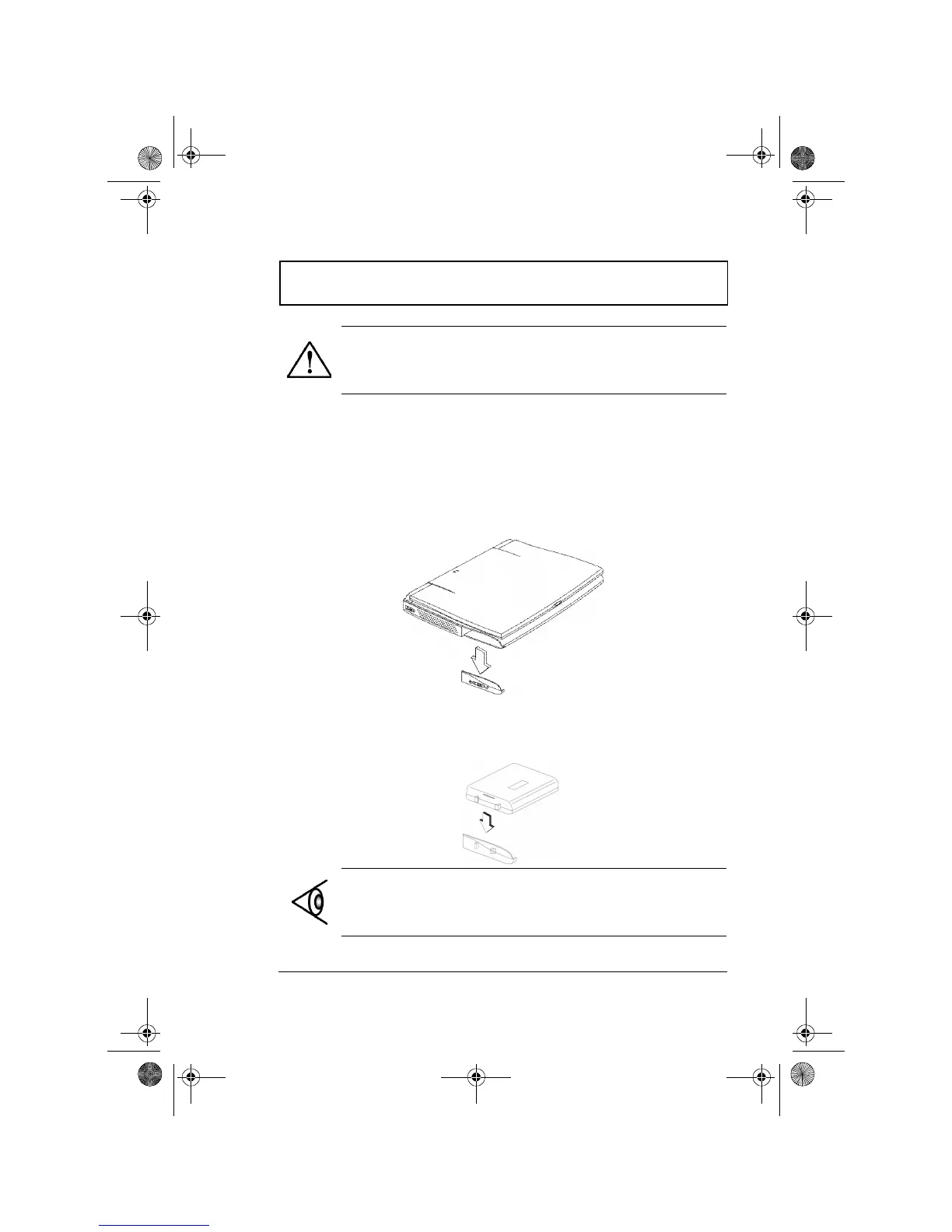
Installing and Removing the Battery Pack
Before removing the battery pack, make sure that you have
an AC adapter connected to the computer; otherwise turn
off the computer.
Follow these steps:
1. Slide down the cover.
2. Attach the battery to the cover. Align the battery’s clasp
to the cover and slide it down until the battery is
properly seated.
Warning: Do not expose battery packs to
temperatures below 0ºC (32ºF) or above 60ºC (140ºF).
This may adversely affect the battery pack.
Note: Make sure the cover latch is unlock before inserting
the battery pack otherwise you won’t be able to insert the
battery pack.
310-e.book Page 33 Tuesday, October 27, 1998 5:17 PM














 To Next Page